
Why GE Fanuc IC695CPE305 CPUs Experience Random Reboots and How to Fix Them
In modern industrial automation, unexpected controller reboots cause severe operational downtime. The GE Fanuc PACSystems RX3i IC695CPE305 CPU serves as a core processing unit in complex factory automation systems. However, field engineers often report random CPU reboots after approximately two years of continuous operation. Powergear X Automation provides this practical engineering guide to diagnose root causes, eliminate recurring downtime, and optimize PLC stability.

Analyzing Power Supply Degradation and Transient Dips in DCS Architecture
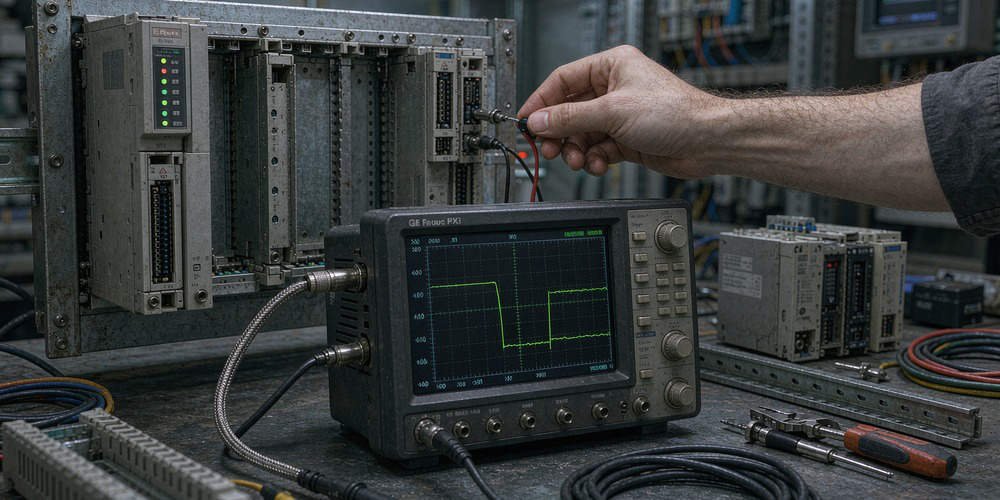
Power quality issues represent the primary trigger for spontaneous PLC reboots. Although power supply units work reliably at installation, internal capacitors degrade gradually over time. Consequently, high-current switching events from nearby heavy motors create momentary voltage sags. These micro-second voltage dips bypass standard multimeters but trigger the CPU under-voltage protection circuit. Therefore, maintenance teams must capture real-time power waveforms using a high-speed oscilloscope before replacing hardware.
Evaluating Thermal Stress and Long-Term Cabinet Enclosure Conditions
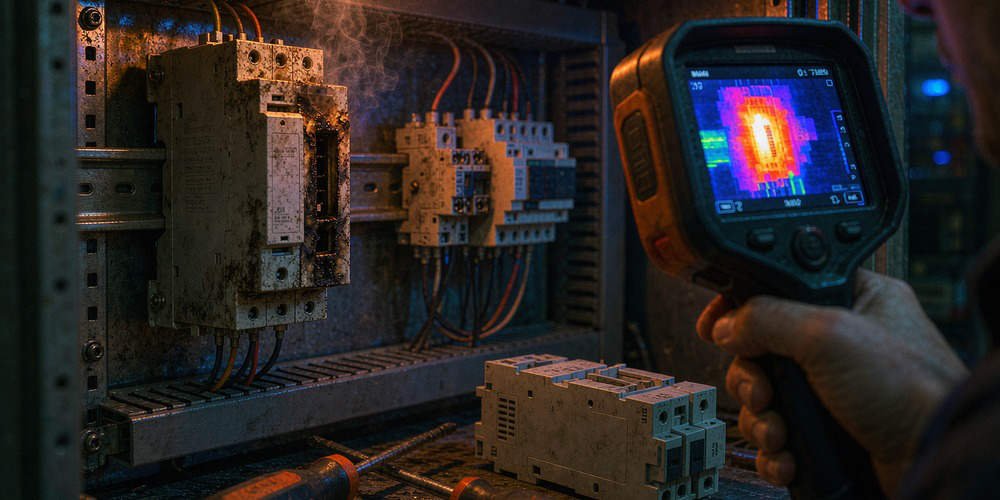
Heat accumulation degrades delicate microelectronics inside programmable logic controllers. Enclosure filters clog with industrial dust after extended operation without regular maintenance. As a result, internal cabinet temperatures steadily climb beyond the recommended 60°C operating limit. Excess heat triggers thermal protection mechanisms inside the CPU processor. Moreover, long-term thermal expansion loosens backplane connectors, creating intermittent physical connection drops during peak operational shifts.
Investigating CPU Firmware Restrictions and Software Watchdog Events
Software anomalies frequently mimic hardware failures in modern control systems. According to industrial control industry surveys, over 30% of unexpected PLC restarts originate from software watchdog timeouts. Heavy non-volatile memory write operations or unhandled system interrupts lock up the execution thread. Consequently, the internal watchdog timer resets the CPU to prevent erratic machine behavior. Engineers must analyze the PAC Machine Edition fault table before clearing CPU error logs.
Step-by-Step Diagnostic Sequence for Resolving CPE305 Reboots
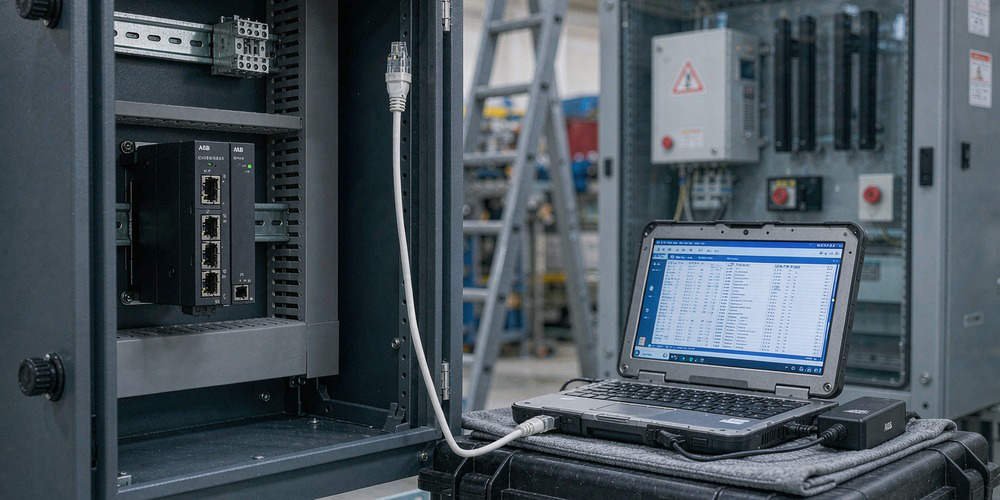
- Preserve Diagnostic Error Tables: Connect to the CPU via PAC Machine Edition immediately and export the complete controller fault log.
- Monitor DC Power Quality: Install a transient power recorder to log 24V DC bus stability during heavy motor startup sequences.
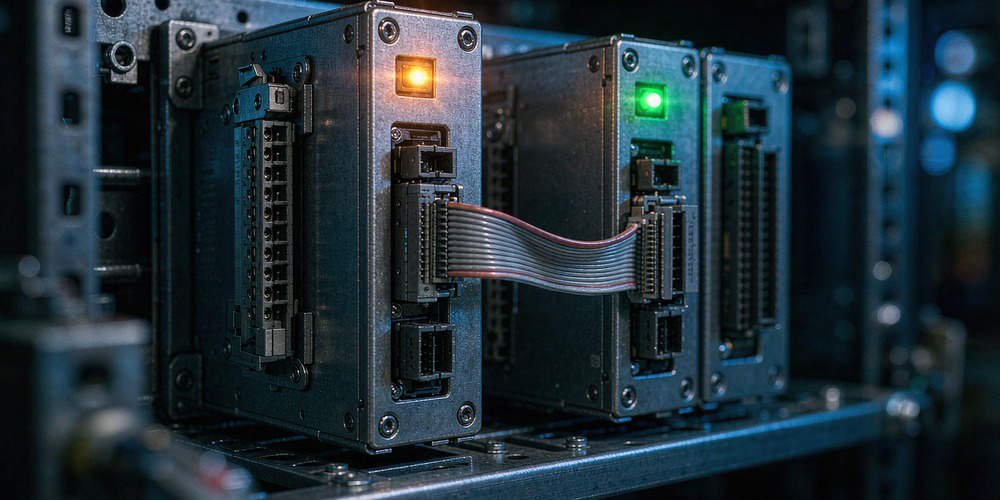
- Inspect Physical Connections: Check backplane connectors, terminal blocks, and Energy Pack module cables for corrosion or mechanical looseness.
- Verify Cabinet Thermal Profile: Measure internal panel temperatures using thermal imaging cameras under full operational loads.
Inspecting Energy Pack Performance and Power Loss Backup Systems
The IC695CPE305 processor utilizes an Energy Pack capacitor module to preserve volatile RAM data during power outages. However, aging Energy Pack units can develop internal short circuits or fail to maintain adequate charge holding capacity. When an unstable Energy Pack draws excessive current from the CPU internal rail, it induces voltage drops across the processor board. Therefore, field technicians should regularly test and replace aging backup energy modules according to manufacturer maintenance schedules.
B2B Procurement Strategies and Backward Compatibility Verification
Replacing an IC695CPE305 module requires careful compatibility evaluation rather than quick component swapping. System integrators must verify CPU hardware revisions, installed firmware builds, and backplane bus speeds. While modern Emerson RX3i controllers support legacy Series 90-30 I/O modules, firmware mismatches can cause backplane communication errors. Procurement managers must review technical specifications thoroughly before scheduling system upgrades during maintenance windows.
Application Scenario: Chemical Plant Processing Line Recovery
A continuous chemical processing plant experienced random IC695CPE305 reboots every few days, interrupting critical batch mixing operations. The maintenance team initially suspected a defective CPU board and replaced the hardware, yet the reboots persisted. Powergear X Automation specialists audited the panel installation and discovered that aging panel cooling fans had failed, causing internal enclosure temperatures to reach 68°C.
The engineering team installed new cabinet ventilation fans and cleaned the clogged dust filters. Additionally, they updated the CPU firmware to the latest revision and adjusted the power supply monitoring parameters. These targeted actions reduced panel temperatures to a stable 38°C, completely eliminating random CPU reboots and restoring 100% processing line uptime.
To source reliable GE Fanuc PACSystems RX3i components and receive expert technical troubleshooting support, visit Powergear X Automation today for your factory automation needs.
Frequently Asked Questions (FAQ)
Q1: Should I immediately replace my IC695CPE305 CPU when random reboots start?
No. You should first investigate external power supply dips, cabinet overheating, and backplane looseness. Replacing the CPU will not resolve external electrical or thermal issues.
Q2: How does the Energy Pack affect CPU boot behavior on the PACSystems RX3i?
The Energy Pack powers the CPU memory save process during shutdown. A degraded or shorted Energy Pack can cause startup faults or force the CPU into reboot loops.
Q3: What tools are required to capture voltage transients causing PLC reboots?
Standard multimeters are too slow to detect millisecond voltage sags. You need a digital storage oscilloscope or a specialized power quality analyzer to capture brief DC power dips.
Leave a Comment
Your email address will not be published. Required fields are marked *