Measure Switching Noise on GE IS2020RKPSG3A Module
Analyzing High-Frequency Switching Noise on the GE IS2020RKPSG3A Power Supply Bus
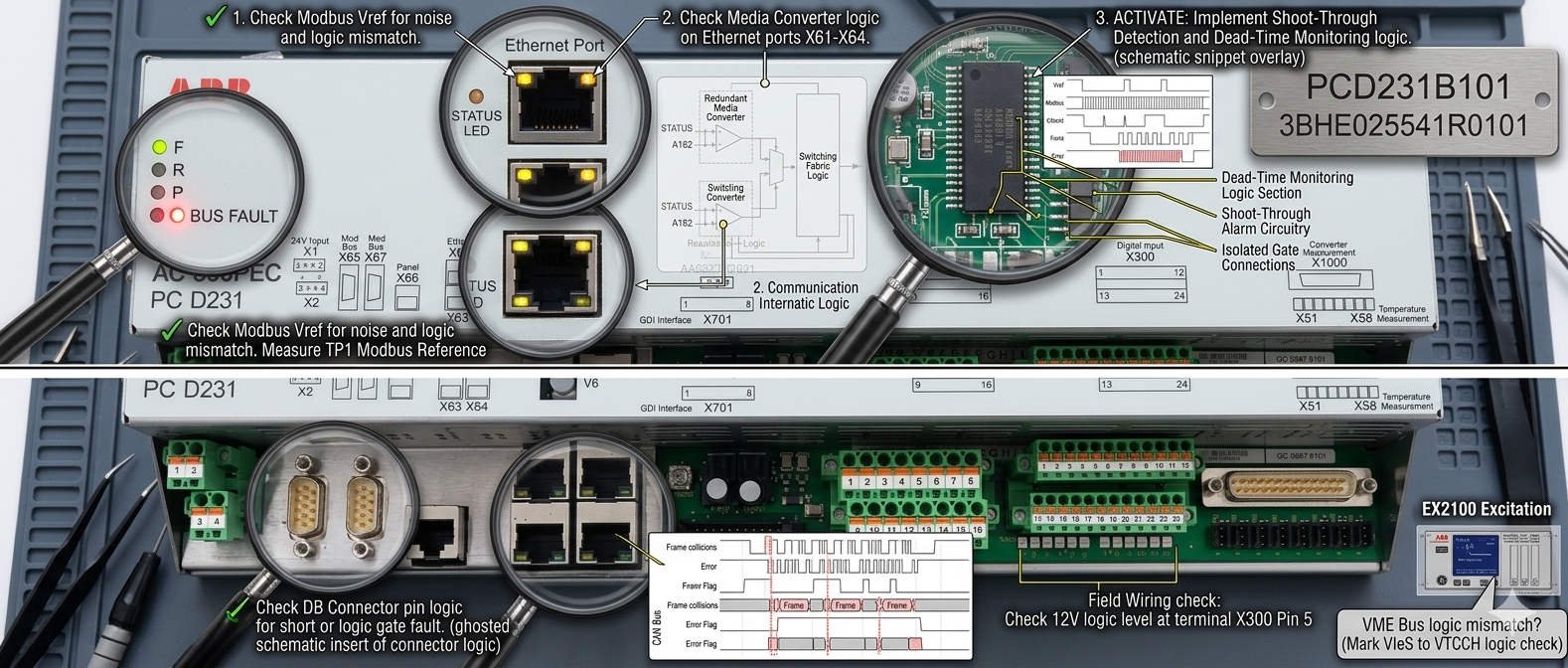
In heavy industrial automation, clean low-voltage DC power safeguards processor integrity. The GE IS2020RKPSG3A power supply module delivers critical 5VDC power to EX2100 excitation systems and Mark VI control racks. However, a standard digital multimeter cannot capture high-frequency switching anomalies on the bus. This technical article covers the exact oscilloscope methods required to analyze dangerous ripple voltages. As a result, engineers can protect vital control networks from unexpected trips.
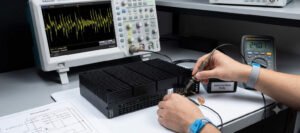
Measure Switching Noise on GE IS2020RKPSG3A Module
The Core Function and Architecture of the Power Module
The IS2020RKPSG3A utilizes a high-efficiency switch-mode power conversion architecture. It regulates voltage for downstream processing boards and critical communication interfaces. In addition, the internal circuitry isolates the control logic from heavy grid surges. This regulation keeps processing environments functional during severe load fluctuations. However, the native switching frequency inevitably introduces high-frequency ripple components onto the distribution lines.
Operational Principles of Oscilloscope Ripple Diagnostics
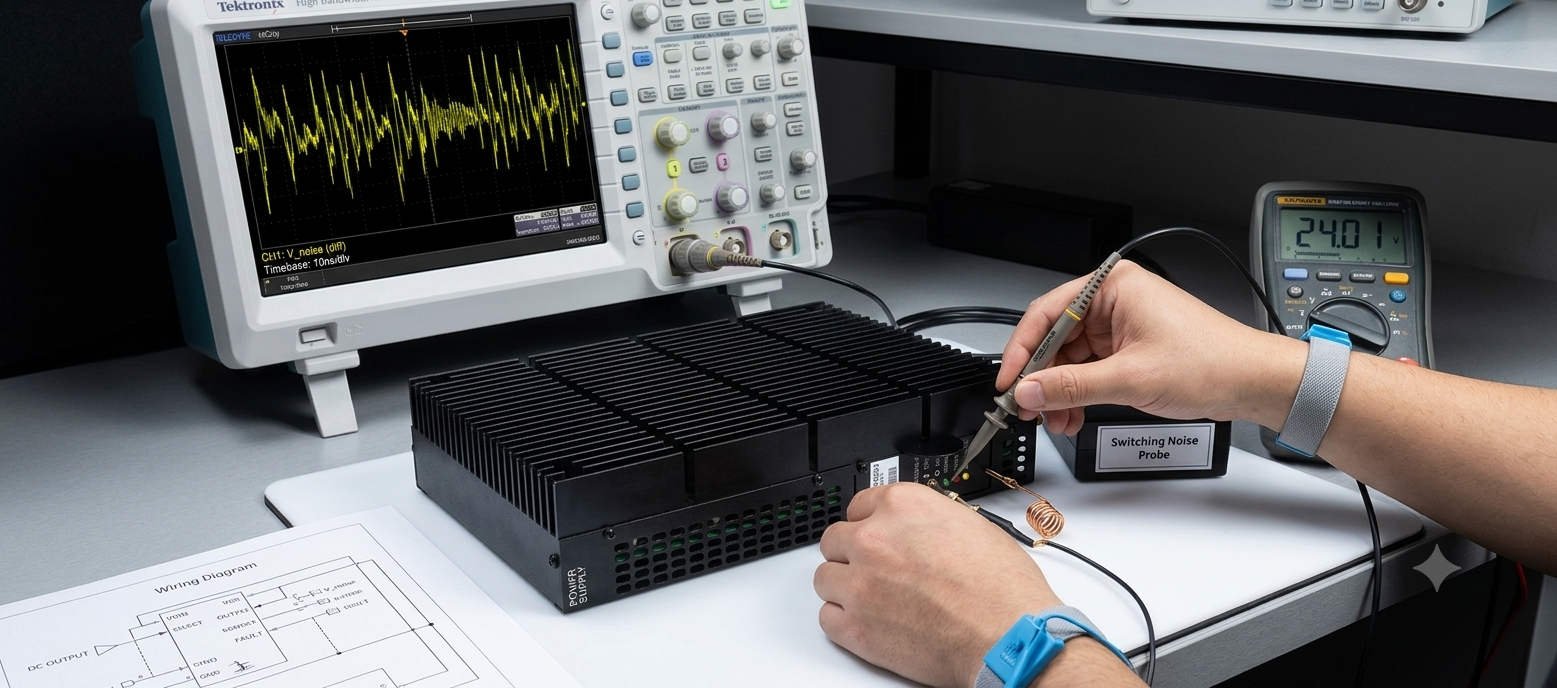
Detecting power anomalies requires proper instrument bandwidth selection and specific input coupling. Maintenance teams must utilize an oscilloscope with a minimum bandwidth of 100 MHz. Furthermore, engineers should select AC coupling to strip away the dominant 5VDC component. This setting allows the instrument to isolate the underlying millivolt-level noise. Consequently, you can observe high-frequency spikes that cause CPU watchdog resets and network dropouts.
The Critical Nature of Correct Probe Grounding
Standard oscilloscope probes often include long ground leads with alligator clips. However, these long wires act as antennas in noisy power generation environments. They capture stray electromagnetic interference from surrounding high-current bus ducts. To avoid false readings, technicians must utilize a short spring ground accessory. This practice restricts the ground loop area to under two centimeters. Therefore, it ensures that observed waveform ringing stems from the power supply rather than external induction.
Incorrect grounding methods can artificially inflate peak-to-peak voltage readings by several hundred percent. This inflation frequently leads to the premature replacement of perfectly healthy modules. Experienced engineers always measure ripple directly across the distribution terminal blocks. This strategic placement provides an accurate view of the voltage quality reaching the control systems.
Evaluating Compatibility and Module Selection Variations
When executing system updates, procurement officers must review original factory hardware revisions. The IS2020RKPSG3A features specific mechanical connector footprints and thermal properties. Older power supply variations may look identical but lack advanced internal noise filtering. In addition, backplane interface configurations can vary slightly across different controller generations. Relying on verified suppliers like Powergear X Automation Limited prevents costly installation compatibility errors.
Online Measurement and Calibration Benchmarks
- ✅ Instrument Setup: Activate the 20 MHz bandwidth limiter to eliminate irrelevant high-frequency ambient radiation.
- ⚙️ Baseline Profiling: Record bus waveforms during steady-state operation and major process load transitions.
- 🔧 Network Inspection: Verify terminal torque values and check downstream filtering capacitors for leakage.
Expert Market Commentary from Powergear X Automation Limited
At Powergear X Automation Limited, we monitor component lifecycle patterns across major power plants globally. We notice that many power supply faults trace back to aging capacitors on adjacent I/O modules. As these capacitors degrade, they no longer buffer the 5VDC bus effectively. Therefore, we highly recommend performing preventative oscilloscope health checks annually. To find certified replacement components and optimize your factory automation assets, visit our portal at https://www.powergearx.com/.
Industrial Application Scenarios
In offshore gas extraction facilities, turbine control stability directly influences production metrics. The IS2020RKPSG3A maintains steady core voltages for the central processors. By implementing routine ripple tracking, maintenance crews can detect supply degradation months before a terminal blowout occurs. This proactive strategy ensures continuous operation of the DCS during severe ambient temperature changes.
Frequently Asked Questions (FAQ)
1. What peak-to-peak millivolt threshold indicates a need to replace the module?
While minor ripple is normal, high-frequency switching noise exceeding 50mVpp warrants close observation. If spikes regularly surpass 100mVpp during load transitions, replace the unit to protect downstream processors.
2. Can I replace the module while the turbine control system is active?
Live replacement depends on your rack redundancy configuration. In non-redundant simplex setups, pulling the module causes an immediate controller crash. Always confirm system redundancy status before attempting live servicing.
3. Why does the 5VDC bus show high noise when the power module passes bench tests?
This discrepancy usually indicates external electromagnetic interference. Poor cabinet bonding or missing cable shields allow noise from neighboring VFD equipment to induce voltage spikes onto the DC distribution lines.