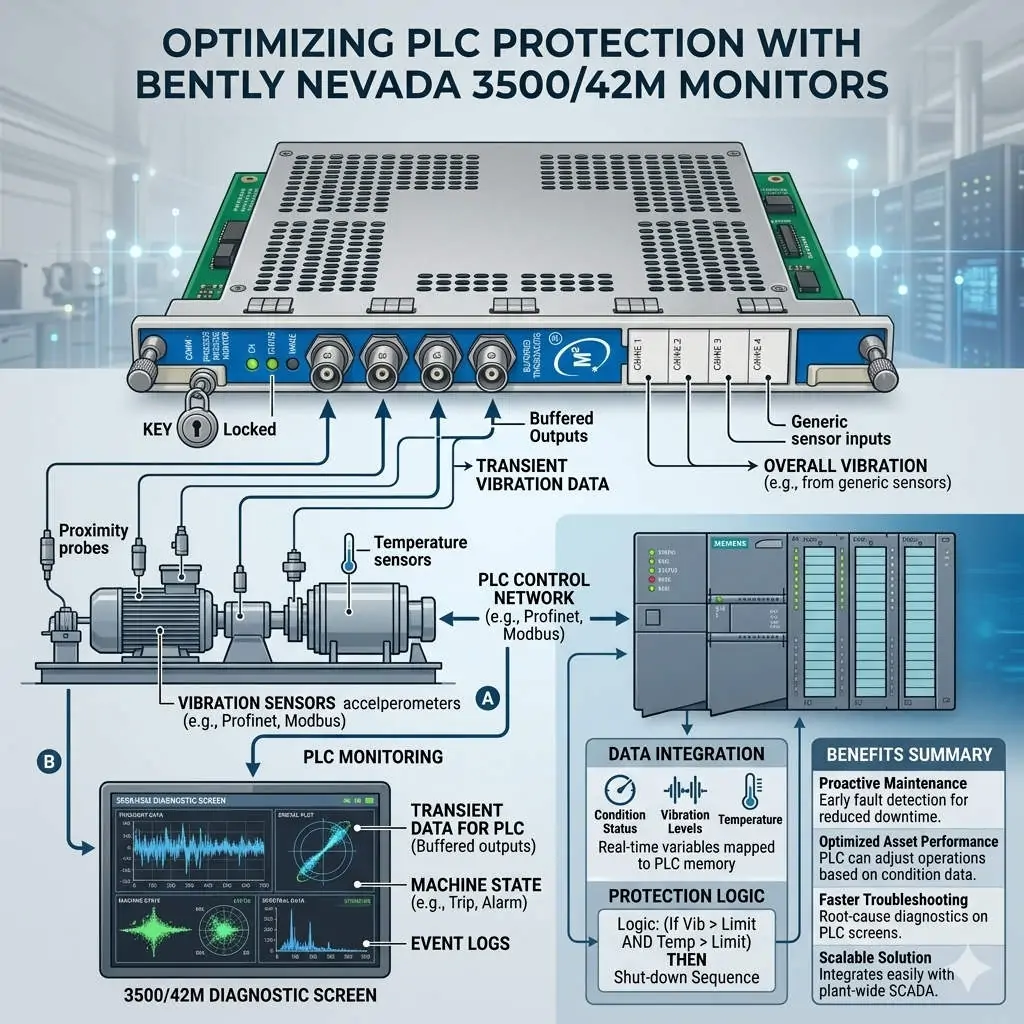
Troubleshooting 3500/62 Monitor: OK, TX/RX, and Bypass LED Meanings
Advanced Diagnostic Guide for Bently Nevada 3500/62 Process Variable Monitor LED Indicators
Maximizing Operational Intelligence in Machinery Protection
The Bently Nevada 3500/62 serves as a vital bridge between field instrumentation and complex protection systems. This six-channel monitor processes critical variables like pressure, temperature, and flow. For field engineers, the front panel LEDs provide a real-time window into system health. Mastery of these indicators reduces Mean Time to Repair (MTTR) significantly. Consequently, teams can isolate faults without immediately resorting to external diagnostic software.

Troubleshooting 3500-62 Monitor OK, TX RX, and Bypass LED Meanings
Interpreting the OK LED for System Integrity Verification
The OK LED acts as the primary heartbeat of the hardware. A solid green light confirms the module passed its internal self-tests successfully. Conversely, an extinguished or red LED signals a serious hardware fault or configuration error. Technicians often encounter a non-OK status after hot-swapping modules with mismatched firmware versions. Moreover, backplane communication failures frequently cause these intermittent drops. Maintaining a stable OK status is essential for SIL-rated safety loops in hazardous environments.
Analyzing TX/RX Indicators for Communication Health
The TX/RX LED monitors the data exchange between the module and the 3500 rack backplane. Rapid blinking indicates active and healthy digital communication. If the light remains off, the module is likely isolated from the system controller. This often points to wiring faults or incorrect baud rate settings in the rack configuration. In high-speed industrial automation environments, consistent communication ensures your DCS receives the most current process values.
Understanding the Safety Implications of the Bypass LED
The Bypass LED warns personnel when the module’s alarm or trip logic is inactive. A lit LED means the protection for one or more channels has been intentionally suppressed. Technicians use this mode during sensor calibration or routine maintenance to prevent false trips. However, leaving a module in bypass after service poses a severe risk to machinery. Therefore, many petrochemical plants integrate these bypass statuses directly into their SCADA alarm hierarchies for better visibility.
Proactive Maintenance and Installation Strategies
Successful deployment starts with verifying the module immediately after rack insertion. The OK LED should stabilize within a few seconds under normal conditions. If faults persist, check the slot configuration in the 3500 Rack Configuration Software. Additionally, observe the TX/RX behavior before assuming a hardware failure. Many integration issues stem from protocol mismatches rather than physical component damage. Always log every bypass event to ensure compliance with API 670 standards.
Expert Commentary from Powergear X Automation Limited
At Powergear X Automation Limited, we see a growing trend toward predictive maintenance. While the 3500/62 is a legacy powerhouse, its role in modern DCS and PLC architectures remains critical. We recommend that engineers treat the LEDs as a primary diagnostic tool rather than just “status lights.” High-reliability systems depend on the technician’s ability to read these visual cues quickly. Always maintain a validated configuration backup to facilitate rapid module replacement during outages.
Solution Scenarios for Field Engineering
- Oil & Gas Refineries: Use the 3500/62 to monitor compressor suction pressure and ensure anti-surge protection.
- Power Generation: Monitor steam turbine bearing temperatures to prevent catastrophic mechanical failure.
- Chemical Processing: Integrate flow rate monitoring into safety instrumented systems (SIS) for emergency shutdowns.
Technical Troubleshooting Checklist
- ✅ Confirm rack power supply voltage before replacing a non-responsive module.
- ✅ Verify firmware compatibility between the 3500/62 and the Rack Interface Module (RIM).
- ✅ Ensure all proximity probe or RTD wiring is secure to prevent “Not OK” channel faults.
- ✅ Check that the bypass key switch on the rack is in the correct position for operation.
Frequently Asked Questions (FAQ)
Q: Can a module be “OK” if the sensors are disconnected?
Usually, no. If a channel is configured and the sensor is missing, the module will report a “Not OK” status for that specific channel, which often clears the global OK LED. You must bypass or configure unused channels to maintain a green OK status.
: How does the TX/RX LED help with Modbus troubleshooting?
If your external gateway isn’t receiving data, check the TX/RX LED. If it isn’t blinking, the 3500/62 isn’t being polled correctly by the Rack Interface Module. This narrows the problem to the rack’s internal bus or configuration software.
Q: Is it safe to hot-swap the 3500/62 while the plant is running?
The 3500 system supports hot-swapping; however, you must engage the module bypass first. Without a bypass, the transition might cause a transient signal that triggers a false trip in the protection logic.
For high-quality modules and expert technical support, visit the official Powergear X Automation Limited website to view our latest inventory.