Troubleshooting IC695CPE310 PLC Ethernet and iFIX SCADA Disconnections
Understanding the Core Value of IC695CPE310 Controllers
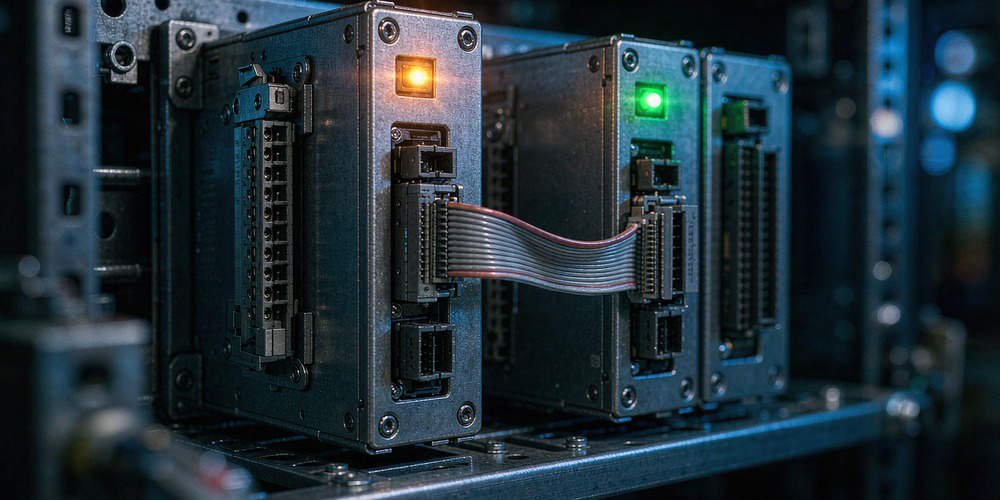
The GE Fanuc PACSystems RX3i IC695CPE310 operates as a robust CPU. It features embedded Ethernet for industrial automation. Engineers rely on it for PLC logic control. It also handles PAC Machine Edition (PME) programming and SCADA data acquisition. However, field technicians often face a specific networking challenge. PME remains online, but iFIX SCADA software stops reading data. Therefore, engineers must analyze Ethernet sessions and SRTP resources. You should never replace the CPU immediately. Powergear X Automation experts recommend evaluating the iFIX driver status first.

Differentiating PME Programmer and HMI Server Connections
Many factory automation technicians misunderstand communication resource allocation. The embedded Ethernet uses the Service Request Transport Protocol (SRTP). Technical documents show the Ethernet interface supports PME via programmer connections. However, iFIX data acquisition uses separate SRTP server connections. Therefore, a working PME connection only proves the physical path exists. It does not guarantee available HMI data channels. Engineers must specifically inspect the TCP/IP link connecting the iFIX driver. Consequently, diagnosing the SCADA side prevents unnecessary hardware replacements.
Managing CPU Communication Resource Allocations
Some technicians attempt to allocate resource percentages between PME and iFIX. This configuration parameter does not actually exist. The CPE310 manages communication capability through discrete server connections. For example, LAN1 supports up to 32 SRTP server connections. It also handles Modbus/TCP server channels and Ethernet Global Data (EGD). Therefore, adding devices consumes specific protocol connections. Engineers must confirm the exact protocol iFIX utilizes. In addition, you must verify total active connections across the DCS network.
Evaluating Firmware Versions and Architecture Variations
Hardware revisions directly impact control systems capabilities. Newer CPE310-Bxxx hardware features a different processing architecture. This upgrade improves overall Ethernet communication performance. Therefore, field engineers must record exact CPU part numbers. You must also document the primary firmware version. Furthermore, verify compatibility with your PAC Machine Edition version. Do not assume all CPE310 modules share identical capabilities. Proper version matching ensures stable factory automation networks.
Executing Read-Only Diagnostics Before Parameter Changes
We advise against modifying CPU Ethernet parameters immediately. If PME connects successfully, basic Ethernet hardware works correctly. Therefore, changing IP addresses or subnet masks can disrupt programming access. You should perform read-only diagnostics instead. Check the CPU status and controller fault tables first. Evaluate Ethernet communication diagnostics for error flags. Moreover, identify the exact iFIX server IP address. Finally, verify the active TCP connection status from the Windows command line.
Clearing Ghost TCP Sessions in Industrial Networks
Factory SCADA systems often deploy multiple servers and historian nodes. Power outages or switch reboots can create ghost connections. Consequently, old TCP sessions might not release immediately. A timeout mechanism exists for PME programmer connections. However, this does not apply to SRTP application channels. Therefore, multiple inactive sessions can exhaust the 32 available server connections. Engineers should use network diagnostic tools to locate abandoned sessions. Releasing these sessions often restores iFIX communication instantly.
Optimizing SCADA Polling Configurations for Reliability
Excessive data requests easily overwhelm PLC communication buffers. Many facilities configure iFIX to poll large tag volumes rapidly. Consequently, aggressive scan times generate massive Ethernet traffic. We recommend optimizing data block sizes to reduce overhead. Engineers should eliminate duplicate tag read requests across multiple nodes. Therefore, improving polling efficiency resolves most resource exhaustion problems. Do not arbitrarily increase communication timeout parameters. Proper configuration ensures long-term stability in control systems.
Application Scenario: Restoring Process Control Communications
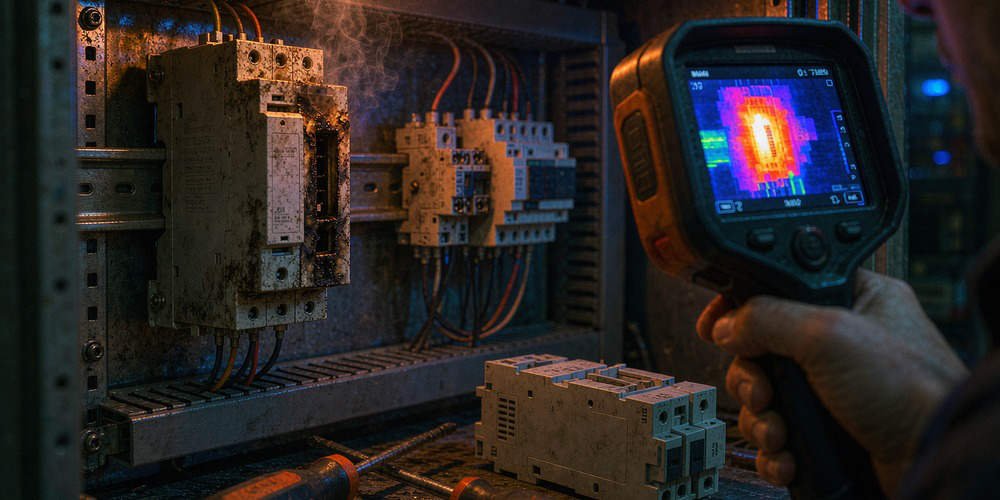
A chemical plant lost iFIX SCADA visibility recently. However, their engineering station maintained PME programming access perfectly. The maintenance team planned an emergency CPU replacement. Powergear X Automation intervened and analyzed the network traffic. We discovered a redundant alarm server holding 25 inactive SRTP sessions. We executed the following technical steps:
- ✅ Step 1: Verified CPU hardware status via PME.
- ⚙️ Step 2: Checked the active TCP sessions using Windows command line.
- 🔧 Step 3: Restarted the polling service to clear ghost connections.
As a result, data acquisition resumed without replacing any hardware. To explore reliable hardware solutions and technical support, visit Powergear X Automation to enhance your industrial infrastructure today.
Frequently Asked Questions (FAQ)
Q1: Can the IC695CPE310 connect to PME and iFIX simultaneously?
Yes, it supports simultaneous connections. However, you must monitor total active SRTP server connections. The CPU limits these connections based on firmware versions.
Q2: Should I change the Advanced User Parameters (AUP) if iFIX drops?
No, you should avoid modifying AUP initially. Verify active TCP sessions and optimize SCADA polling rates first. Unnecessary AUP changes cause further network instability.
Q3: Why does PME stay online while iFIX loses connection?
PME uses dedicated programmer connections. Meanwhile, iFIX consumes separate server connection resources. Ghost TCP sessions easily exhaust server connections while leaving programmer connections available.