Upgrading Yokogawa CENTUM CP401 to CP451: Can You Reuse the Base Unit?
In the demanding sectors of oil and gas and chemical processing, downtime equals significant financial loss. Plant managers often face a critical question during system revamps: Can the existing DCS (Distributed Control System) base unit remain when upgrading from a CP401 to a CP451 processor? This technical guide explores the compatibility, risks, and strategic advantages of this specific migration path.

Hardware Compatibility and Mechanical Integration
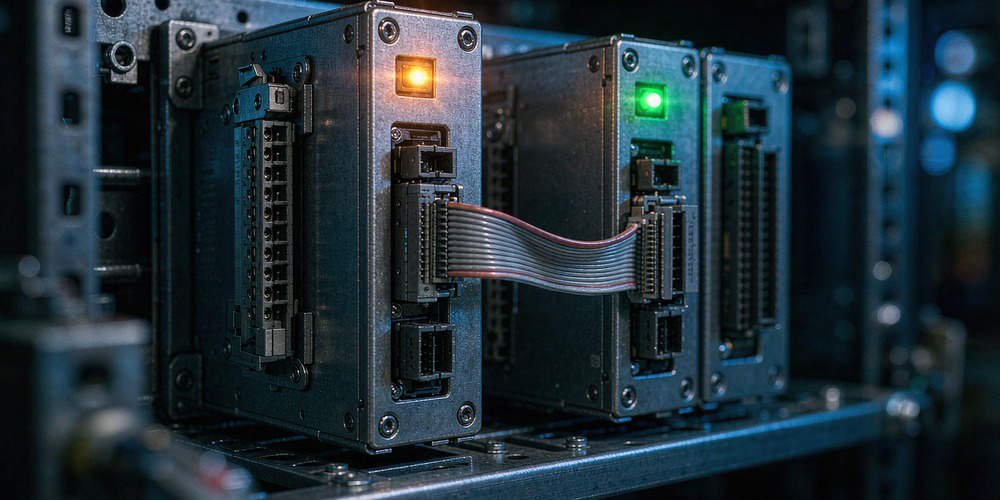
Yokogawa designed the CP451 with backward compatibility as a core philosophy. Both the CP401 and CP451 belong to the same hardware lineage within the CENTUM control system family. Consequently, the mechanical mounting footprints are nearly identical. In most standard installations, the CP451 fits directly onto existing Base Units such as the A2BAX series. This design choice allows engineers to swap processors without drilling new holes or replacing heavy backplanes.
Power Management and Thermal Efficiency
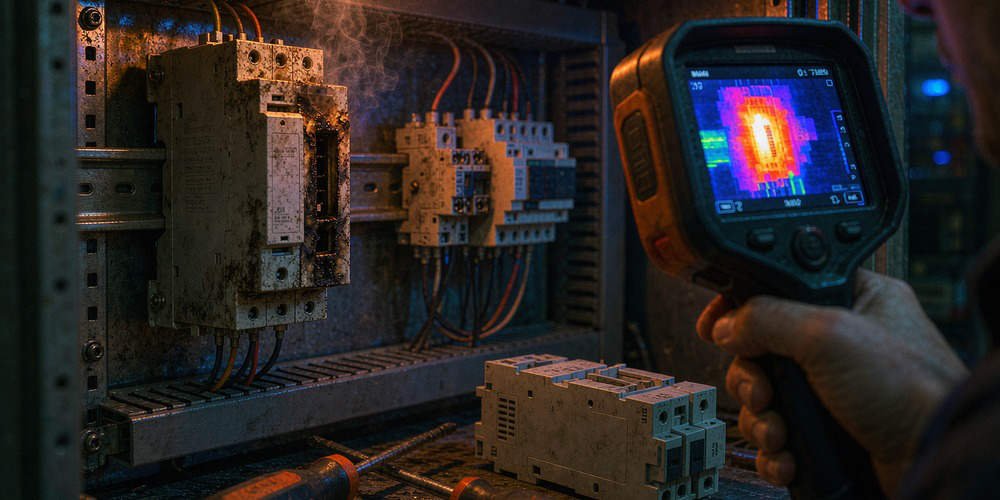
Upgrading to a CP451 increases processing power and improves redundancy handling. However, the electrical demand stays within the original design limits of standard base units. This stability ensures that the existing power distribution setup remains compliant with IEC 61131-2 standards. Our experience at Powergear X Automation suggests that heat issues rarely stem from the new CPU. Instead, thermal problems usually arise from dust accumulation or aging cooling fans within the cabinet.
Protecting Field Wiring and I/O Integrity
The primary cost in any industrial automation upgrade is often the labor for re-wiring. Because the CP451 maintains bus continuity with the CP401, the existing I/O modules and field wiring stay intact. This continuity is vital for continuous manufacturing plants. It eliminates the need for massive loop re-testing and preserves the integrity of existing safety certifications. Therefore, the transition is often a “plug-and-play” hardware swap.
Essential Pre-Installation Inspections
Reusing hardware does not mean ignoring maintenance. Before installing a new CP451, you must perform a rigorous physical audit. Connectors on base units older than a decade often suffer from oxidation.
- Clean all gold-plated pins with approved electronic contact cleaner.
- Inspect for mechanical fatigue or loose mounting screws.
- Check the health of the existing power supply modules.
- Verify that the current firmware supports the CP451 hardware.
The Powergear X Automation Perspective
At Powergear X Automation, we view the CP401 to CP451 migration as a high-ROI strategy. It extends the lifecycle of the factory automation system without the expense of a full rip-and-replace. However, we recommend a “holistic” approach. Reusing the base unit is smart, but doing so without replacing 10-year-old power modules is a risk. We suggest proactive replacement of power units during the upgrade to ensure long-term stability.
Technical Checkpoints for Migration
- ✅ Verify the base unit model against Yokogawa’s official compatibility matrix.
- ✅ Conduct a visual inspection for heat discoloration on the backplane.
- ✅ Ensure the CENTUM VP software version meets minimum requirements.
- ✅ Test the redundancy failover performance immediately after the installation.
- ✅ Update all system documentation to reflect the new hardware revision.
Frequently Asked Questions (FAQ)
Q1: How do I know if my specific base unit is too old for the CP451?
Check the serial number and model prefix. If your system dates back to early CS 3000 versions, the base unit may lack the necessary communication bus speed. Consult your hardware manual for the “A2BA” compatibility list.
Q2: Should I replace the power modules even if they seem to work?
Yes. Power modules have a defined chemical lifespan. A new CP451 is a valuable investment; do not risk it with an aged power supply that might have high ripple voltage.
Q3: Can I perform this upgrade while the plant is partially running?
While possible in redundant configurations, it is highly discouraged. Always perform processor upgrades during a planned maintenance window to allow for proper software synchronization and safety testing.
Application Scenario: Chemical Plant Revamp
In a recent ethylene plant project, the client had only a 48-hour window for control system maintenance. By reusing the existing base units and focusing solely on the CP451 processor swap, the team reduced the hardware installation time by 70%. This allowed more time for critical software logic validation and safety instrumented system (SIS) checks.
For more technical insights and high-quality automation components, visit Powergear X Automation. We provide the expertise and hardware needed to keep your plant running at peak efficiency.