
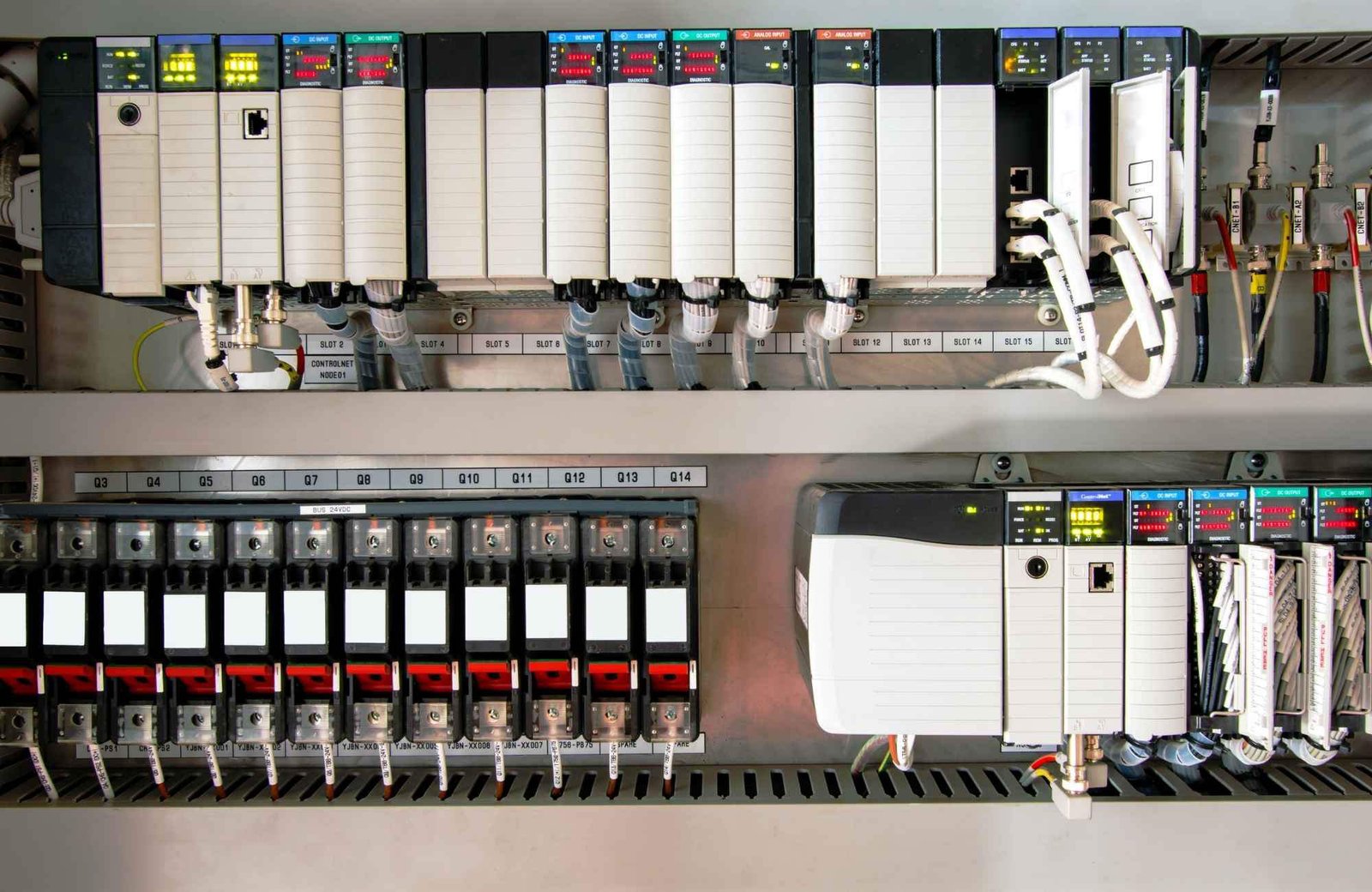
How to Export & Analyze Allen-Bradley Non-Recoverable Major Faults
Troubleshooting Allen-Bradley Non-Recoverable Major Faults: A Diagnostic Guide
The Critical Role of the PLC Fault Log
In industrial automation, a “Non-Recoverable Major Fault” signal usually means production has already halted. Consequently, the controller’s fault log becomes your most valuable diagnostic asset. Engineers must export this data to distinguish between firmware corruption and hardware failure. Moreover, accurate logs support Root Cause Analysis (RCA) and help meet regulatory standards like FDA 21 CFR Part 11. Without this data, maintenance teams often waste hours guessing the cause of unplanned downtime.
Understanding Fault Types and Code Granularity
Allen-Bradley systems, including ControlLogix and CompactLogix, categorize errors by Type, Code, and Extended Code. These specifics are vital because a non-recoverable fault often indicates a deep hardware or firmware conflict. For example, my field experience shows that electrostatic discharge (ESD) often triggers memory corruption. While front-panel LEDs might show a generic red light, the exported log reveals the specific memory address failure. Therefore, granular data is essential for preventing repeat occurrences in high-stakes factory automation environments.
Protecting Data in Volatile Controller Memory
Controllers store fault logs in volatile memory, which clears if the system loses power. To prevent data loss, I highly recommend installing a non-volatile memory module, such as the 1784-SD2. This hardware ensures the fault history survives a power cycle or a complete CPU reset. In continuous-process industries, losing this history can extend the Mean Time to Repair (MTTR) significantly. Furthermore, a permanent record is necessary for compliance audits in pharmaceutical or chemical plants.
Navigating Studio 5000 Compatibility Issues
Exporting a detailed fault log requires the correct version of Studio 5000 Logix Designer. If you use a mismatched software version, you might go online but miss critical “Extended Code” details. Always ensure your workstation software version matches or exceeds the controller’s major firmware revision. In addition, maintaining a multi-version installation on your engineering laptop prevents “diagnostic blind spots” when working with legacy control systems.
A Field-Proven Workflow for Exporting Logs
When a fault occurs, follow a disciplined technical process to ensure you capture every detail. Do not rush to clear the fault immediately, as this erases the evidence needed for a permanent fix.
- Establish a secure connection using Studio 5000 Logix Designer.
- Navigate to Controller Properties and select the Major Faults tab.
- Record the specific Fault Type, Code, and Extended Code.
- Select Tools then Save Project with Fault Information.
- Capture screenshots of the Diagnostics tab for additional context.
Practical Maintenance Insights from the Factory Floor
In high-EMI (Electromagnetic Interference) environments, “Non-Recoverable” faults often stem from poor grounding rather than a defective CPU. Before replacing expensive hardware, I suggest inspecting surge suppression and backplane integrity. If a controller faults repeatedly after power cycles, the power supply is the most likely culprit. Powergear X Automation experts often find that replacing the power supply solves 30% of persistent non-recoverable errors without needing a new processor.
The Powergear X Automation Perspective on Reliability
At Powergear X Automation, we believe that data-driven maintenance is the backbone of modern industrial reliability. We often see teams replace CPUs prematurely due to a lack of diagnostic clarity. By integrating non-volatile memory and robust firmware version control, you create a more resilient control system. If you are looking to upgrade your legacy systems or need high-quality replacement modules, our team provides the technical expertise to ensure your hardware choices match your operational needs.
Application Scenario: Resolving Intermittent Backplane Failures
In a large-scale pharmaceutical packaging line, a ControlLogix CPU reported a non-recoverable fault every 48 hours. By exporting the fault log, the engineering team identified “Type 01 Code 01” errors, which pointed to backplane communication issues. Instead of replacing the CPU, they discovered a loose 1756-A10 chassis mounting bolt causing intermittent grounding issues. This discovery saved the plant over $10,000 in unnecessary hardware costs.
Frequently Asked Questions (FAQ)
1. Does a non-recoverable fault always require a hardware replacement?
No, it does not. Statistics suggest nearly 50% of these faults result from power quality issues or firmware glitches. Always analyze the “Extended Fault Code” before purchasing new components.
2. What is the most common mistake made during an emergency fault event?
The most common error is clearing the fault or cycling power before exporting the log. This action permanently deletes the diagnostic breadcrumbs needed for a true root cause analysis.
3. How can I ensure my fault logs are preserved during a total power failure?
You should equip every mission-critical Allen-Bradley PLC with an industrial-grade SD card (non-volatile memory). Configure the controller to store “Project and Fault” data to the card on every major fault event.


