Fixing GE Fanuc VersaMax Output Faults | Powergear X Automation
Troubleshooting GE Fanuc VersaMax: When the Output LED is ON but the Load is OFF
The Gap Between PLC Logic and Physical Execution
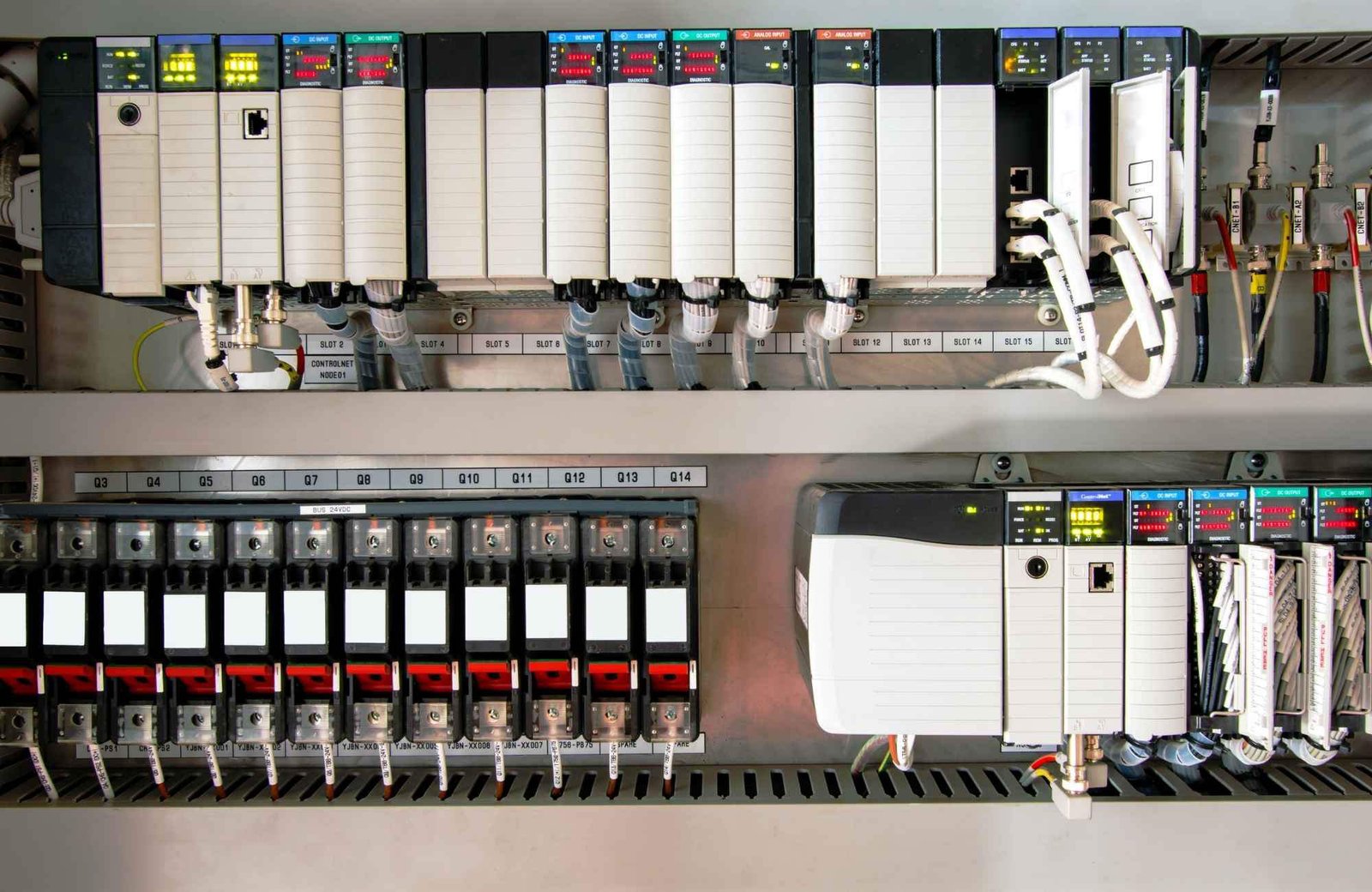
GE Fanuc VersaMax modules provide deterministic control for demanding sectors like oil and gas or chemical processing. An active output LED confirms that the PLC processor successfully executed the logic command. However, this light does not monitor the integrity of the field-side circuit. If your external relay fails to actuate, you must shift your focus from the software to the physical wiring and load compatibility.

Evaluating Output Circuitry and Load Matching
Selecting the wrong output type is a frequent mistake during system commissioning. VersaMax offers both mechanical relay and solid-state transistor (sinking/sourcing) modules. A transistor output cannot drive an AC coil directly. Furthermore, high-performance compact relays often draw significant inrush currents. If this current exceeds the module’s rating, the output stage may protect itself by limiting flow, even while the LED stays lit.
Identifying Common Wiring and Grounding Faults
VersaMax modules typically organize outputs into shared groups with a common terminal. A “floating” or disconnected common is a silent killer of system functionality. During panel retrofits, technicians often accidentally disconnect these shared references. Without a complete path for current, the field device remains de-energized despite the module’s internal logic status.
Field Maintenance and Voltage Verification Strategies
Never assume that a glowing LED equals presence of voltage at the terminal. Always use a calibrated multimeter to measure voltage directly at the load’s coil. In my experience with offshore skid maintenance, blown fuses in marshalling cabinets are more common than actual PLC hardware failures. Verify the field power supply before you decide to pull the module from the rack.
Enhancing System Longevity with Protective Components
Inductive loads generate high-voltage spikes when de-energized, which can degrade PLC contacts over time. I strongly recommend installing flyback diodes for DC loads or RC snubbers for AC loads. Adhering to IEC 61131-2 standards for surge suppression ensures your control system operates reliably for years rather than months.
Expert Commentary by Powergear X Automation
From a technical perspective, the VersaMax line remains a robust choice for legacy support and mid-range applications. However, as industrial environments become more complex, the reliance on interposing relays is no longer optional—it is a best practice. We suggest using ferrules and vibration-resistant terminals to prevent intermittent failures in high-vibration areas like pump stations.
Technical Checklist for Reliable Output Control
- Confirm the output module voltage matches the relay coil.
- Verify all common terminals have a secure path to ground or neutral.
- Check for blown field-side fuses or tripped circuit breakers.
- Install external surge suppression for all inductive components.
- Inspect terminal screws for tightness in high-vibration zones.
Application Scenario: Chemical Dosing Pump
In a recent chemical processing project, a VersaMax transistor output failed to trigger a dosing pump. The LED was active, but the pump’s internal relay required more holding current than the module provided. By installing a slimline interposing relay, we isolated the PLC from the load, protecting the hardware and ensuring consistent pump cycles.
For more technical resources and high-quality automation components, visit Powergear X Automation.
Frequently Asked Questions (FAQ)
Q1: Does a lit LED mean the VersaMax module is definitely working?
The LED only confirms that the PLC’s internal logic has successfully “set” that point. It does not guarantee that the output transistor or relay contact has physically closed or that power is reaching your field device.
Q2: How do I choose between a relay and a transistor output module?
Choose transistor modules for high-speed switching and long life cycles. Use relay modules for higher current loads or when you need to switch different voltages, though they have a finite mechanical lifespan.
Q3: What is the best way to prevent “ghost” signals in my control panel?
Use shielded cabling for long runs and ensure your 0V or Neutral commons are properly referenced. If you see low “leakage” voltage on a digital output, an interposing relay can help clear the signal.