

Product details
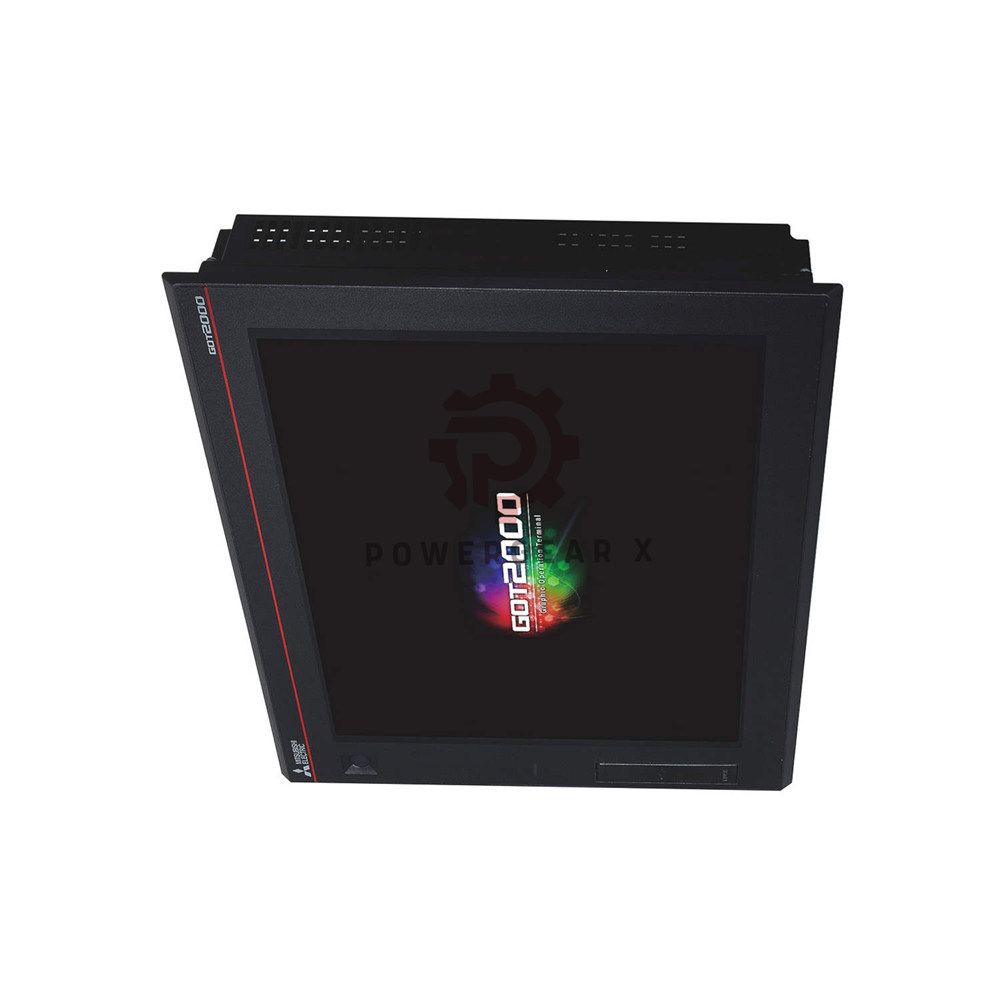
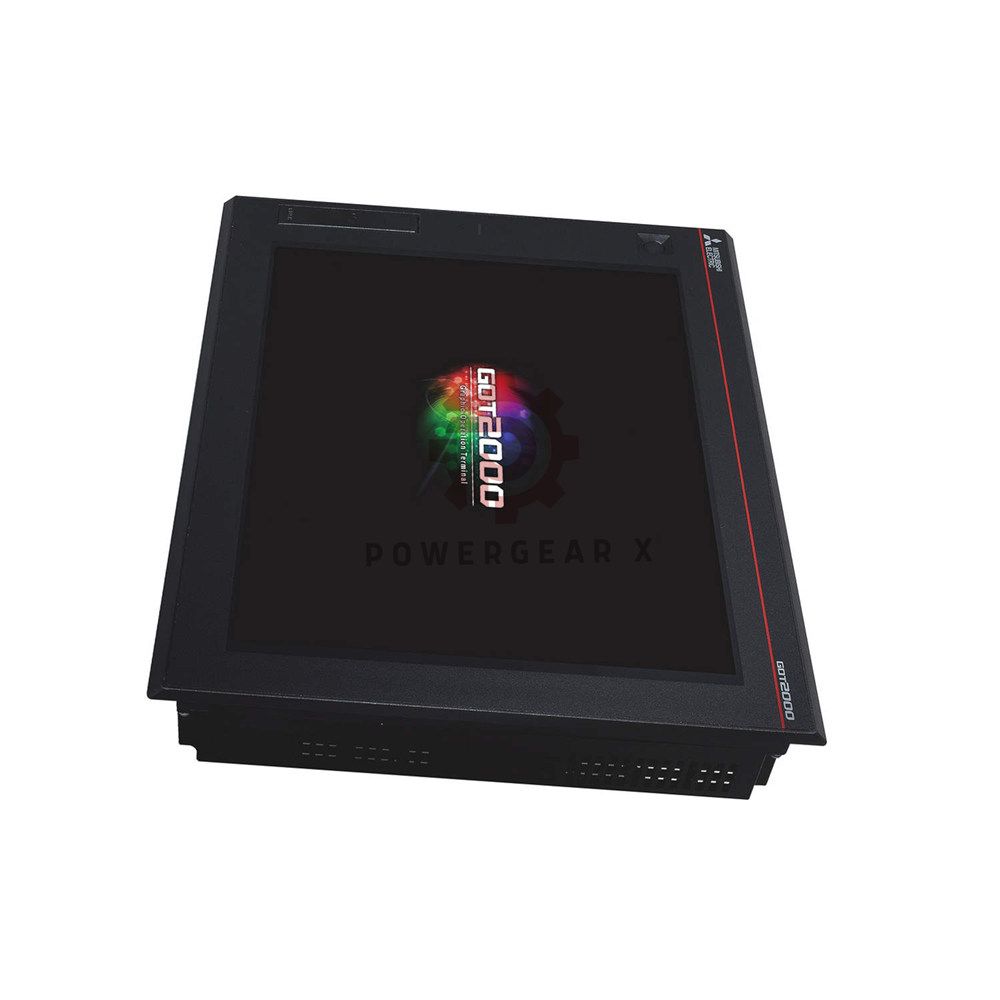
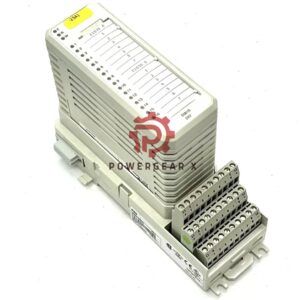
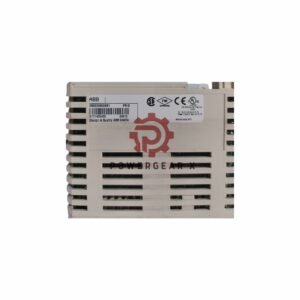
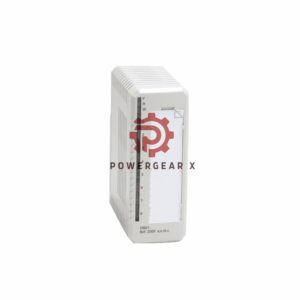
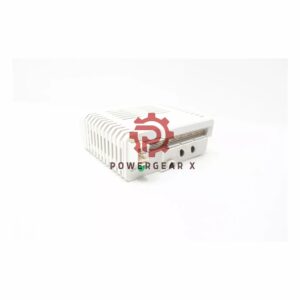
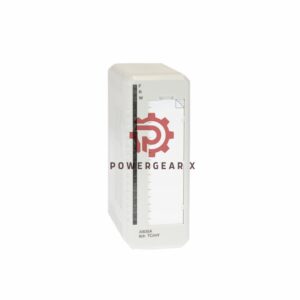
GT27-V4R1-Z – Mitsubishi GOT2000 Video/RGB Input Unit
Add video and RGB display to your GOT2000 HMI. The GT27-V4R1-Z brings camera feeds and computer graphics to your touchscreen. Works with GT27 series HMIs. Easy to connect and use.
📁 Product Structure – Key Features
- ▶ Video Input Section
- ▪ 4 video channels
- → Each shows one video at a time
- → Switch between cameras or sources
- ▪ Signal type
- → Composite video (NTSC / PAL)
- → Level: 1 Vp-p, 75 Ω impedance
- ▪ Connectors
- → BNC type – secure and reliable
- ▪ 4 video channels
- ▶ RGB Input Section
- ▪ 1 RGB channel
- → Analog RGB signals
- → Level: 1 Vp-p, 75 Ω impedance
- ▪ Supported resolutions
- → XGA: 1024 x 768 pixels (60 Hz)
- → SVGA: 800 x 600 pixels (60, 72, 75 Hz)
- → VGA: 640 x 480 pixels (60, 72, 75, 85 Hz)
- ▪ Sync signal
- → TTL level, 1 kΩ impedance
- ▪ 1 RGB channel
- ▶ Compatibility
- ▪ GOT2000 series
- ▪ Works with GT27 model HMIs
- ▪ Plugs into HMI expansion slot
⚙ Technical Data – Quick Reference
- ▪ Brand & Model
- → Mitsubishi – GT27-V4R1-Z (GOT2000 series)
- ▪ Device type
- → Video/RGB input unit for GT27 HMIs
- ▪ Video inputs
- → 4 channels, composite (NTSC/PAL), 1 Vp-p / 75Ω, BNC
- ▪ RGB input
- → 1 channel, analog RGB, 1 Vp-p / 75Ω, sync TTL / 1kΩ
- ▪ RGB resolutions supported
- → XGA (1024×768), SVGA (800×600), VGA (640×480)
- → Various refresh rates up to 85 Hz
- ▪ Weight
- → 4.54 kg (10.0 lbs)
🧠 Expert Review
“I use the GT27-V4R1-Z to add surveillance cameras to our HMI stations. Four video channels let operators see machine interiors or conveyor lines right on the touchscreen. The RGB input is great for displaying PC diagnostics. BNC connectors are industry standard – no adapters needed. A must-have for visual monitoring.” – Automation Specialist
📌 Manager’s Insight
For operations managers: this unit turns your HMI into a central monitoring hub. Reduce separate monitors on the shop floor. Operators see camera feeds and machine data on one screen. Easy to install – just plug into GT27 series HMI. Improves response time and safety.
🏭 Where to Use & Compatible Equipment
- ▪ Machine vision inspection systems
- ▪ Surveillance cameras on production lines
- ▪ Remote equipment monitoring with CCTV
- ▪ PC or industrial computer display sharing
- ▪ Quality control stations with visual feedback
- ▪ Works with Mitsubishi GT27 series HMIs (GT27xx models)
❓ Frequently Asked Questions – Expert Advice
- Q: Which HMI models work with GT27-V4R1-Z?
A: Works with all GT27 series GOT2000 HMIs. Check your HMI has an expansion slot for this unit. - Q: Can I show multiple cameras at once?
A: Each channel displays one video at a time. You can switch between 4 sources using HMI screen controls. - Q: What cables do I need?
A: Use standard BNC cables for video inputs. For RGB, use VGA cable with appropriate adapter if needed. - Q: What is the warranty and shipping policy?
A: 12 months warranty. Orders ship within 12-24 hours via FedEx, UPS, or DHL worldwide. - Q: How do I choose between video and RGB inputs?
A: Use video inputs for cameras (NTSC/PAL). Use RGB for PCs, industrial computers, or legacy equipment with VGA output. - Experience Tip – Video quality:
A: Use good quality BNC cables for longer runs. Keep cables away from high-power motor lines to avoid interference. - Buying guide – what to check:
A: Confirm your HMI is GT27 series. Check if you need 4 video channels or just one. For multiple camera views, this unit is ideal.
📦 What’s Inside & Delivery
- ▪ GT27-V4R1-Z video/RGB input unit
- ▪ Installation manual
- ▪ Mounting screws
- ▪ 12-month warranty card
- Dispatch: 12–24 hours after order (business days).
- Carriers: FedEx, UPS, DHL – tracking included.
📞 Need help adding video to your HMI?
✉️ sales@powergearx.com |
📱 +86 18030005825 (WhatsApp)
Quick quotes, compatibility check, technical support.
Copyright © 2026 Powergear X Automation Limited. All rights reserved.
Original Source: https://www.powergearx.com/


There are no reviews yet.