
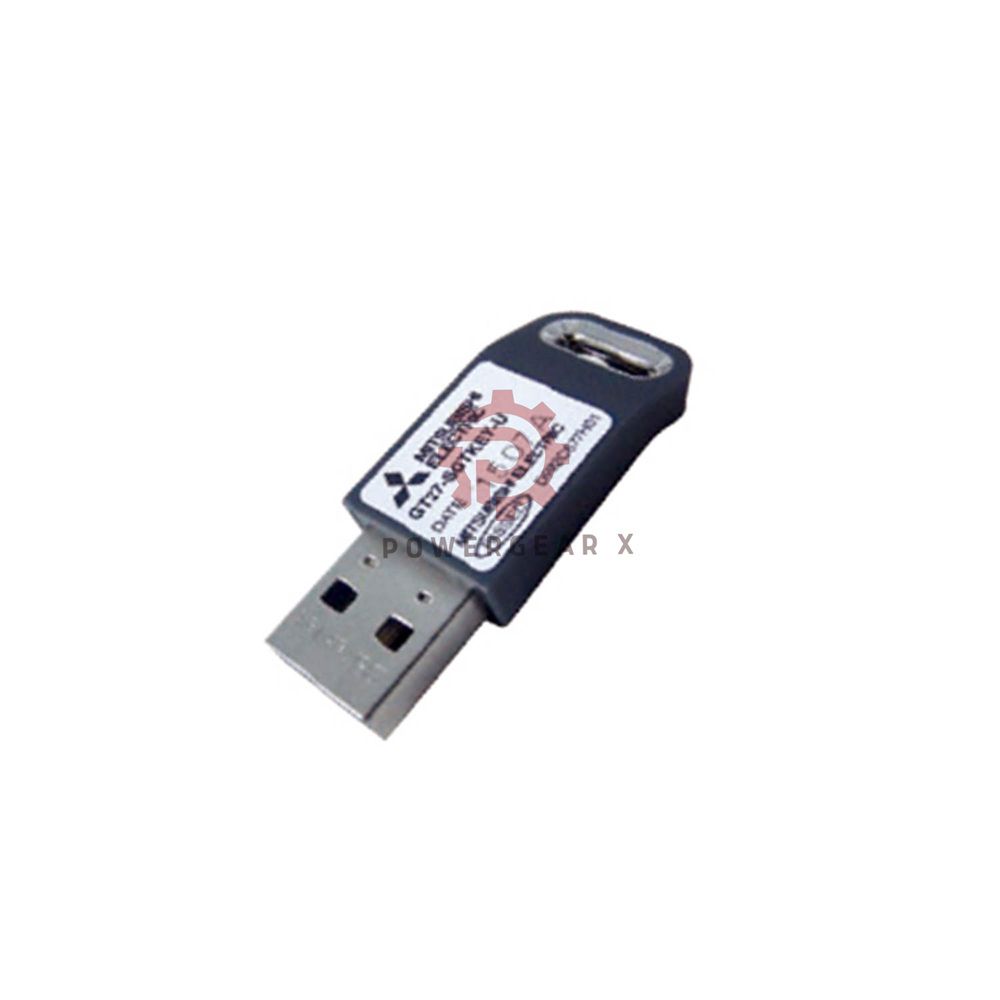
Product details
GT25-VNCSKEY-1 – Remote Control License for GOT2000
The GT25-VNCSKEY-1 adds VNC server power to your GOT2000 HMI. It works with GT27 and GT25 models. One license serves one GOT unit. Use it to see and control machines from anywhere. No extra hardware needed. Just install the license and connect via network.
What This License Does
- Function
- Turns GOT2000 into a VNC server
- Lets you view screens remotely
- Lets you control from a PC or mobile
- Use Case
- Remote troubleshooting
- Monitor machines off-site
- Support multiple operators
Technical Details – Quick View
- Brand
- Mitsubishi Electric
- Series
- GOT2000 Series
- Model
- GT25-VNCSKEY-1
- Device Type
- VNC Server Function License
- Works With
- GT27 series
- GT25 series
- License Type
- Standard license
- 1 license per package
- Volume Options
- 5 licenses
- 10 licenses
- 20 licenses
- Requirement
- One license per GOT unit
- Weight
- 3.00 lbs (1.36 kg) – packaging
Key Capabilities
- Remote Monitoring
- View HMI screens from a distance
- Works over LAN or internet
- Remote Control
- Touch and operate as if on site
- Use standard VNC viewer software
- Multi-User Access
- Several users can connect
- Set access rights as needed
- Security
- Password protection built in
- Encrypted connection option
Installation & Setup
- Software Installation
- Use GT Designer3 to activate
- Enter license key in the software
- Network Setup
- Connect GOT to Ethernet
- Set IP address for remote access
- Client Side
- Install any VNC viewer app
- Connect using GOT IP address
- Testing
- Test local first, then remote
- Check firewall settings if needed
Compatibility
- GOT Models
- GT27 series – all models
- GT25 series – all models
- Software
- GT Designer3 (all versions)
- iQ Works platform
- Network
- Ethernet 100BASE-TX / 10BASE-T
- Supports wired networks only
- VNC Viewers
- TightVNC, RealVNC, UltraVNC
- Mobile apps for iOS and Android
Package Contents
- License certificate with key code
- Quick start guide
- Software installation reference
Warranty & Delivery
- Warranty
- 12 months from invoice date
- Shipping
- 12-24 hour dispatch
- Carriers: FedEx, UPS, DHL
Expert Review
The GT25-VNCSKEY-1 is a simple way to add remote access. No extra hardware means low cost. Setup takes minutes using GT Designer3. The VNC connection is stable and responsive. For plants with many GOT units, volume packs save money. This license turns a standard HMI into a remote support tool. It cuts travel time for engineers.
Manager’s Insight
I recommend this license for any site with multiple locations. One license per GOT is fair and clear. The remote control feature reduces downtime. Operators can show issues to experts far away. Security is good with password control. For new projects, include this from the start. It adds flexibility for future needs.
Best For These Applications
- Remote machine monitoring
- Off-site technical support
- Centralized control rooms
- Multi-factory operations
- Training and demonstration
Works With These Devices
- Mitsubishi GOT2000
- GT27 series HMIs
- GT25 series HMIs
- PC and Mobile
- Windows VNC viewers
- iOS and Android apps
- Network Equipment
- Standard Ethernet switches
- VPN routers for secure access
FAQ – Practical Answers
- Do I need one license per GOT?
- Yes. Each GOT unit needs its own license. One license covers one HMI.
- Can I use this with GT21 series?
- No. This license works only with GT27 and GT25 models. Check your model before buying.
- Is internet access required?
- You need a network connection. It can be local LAN or internet with proper setup.
- What VNC software do I need?
- Any standard VNC viewer works. TightVNC, RealVNC, or mobile apps all connect fine.
- Experience tip – how to get stable connection?
- Use a fixed IP address for the GOT. Set up port forwarding if accessing from outside. Test with a local PC first.
- Selection guide – single vs volume pack?
- Buy single if you need one license. For 5 or more units, volume packs save cost per license.
- Shipping and warranty details?
- We ship within 12-24 hours via FedEx, UPS, or DHL. Warranty is 12 months.
Get Support
Questions? Email sales@powergearx.com or message via +86 18030005825. We help with license activation and remote setup.
Original Source: https://www.powergearx.com/
Copyright © 2026 Powergear X Automation Limited. All rights reserved.




There are no reviews yet.