
Product details
Product Overview
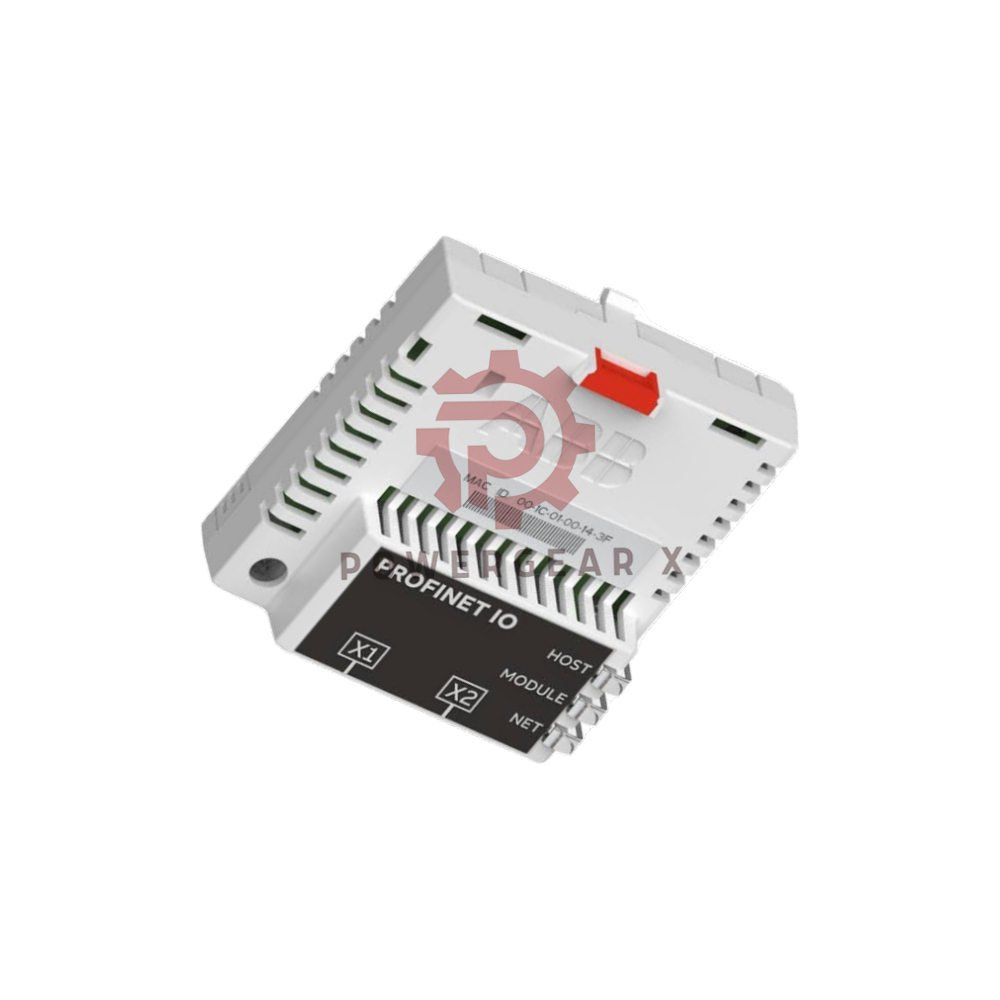
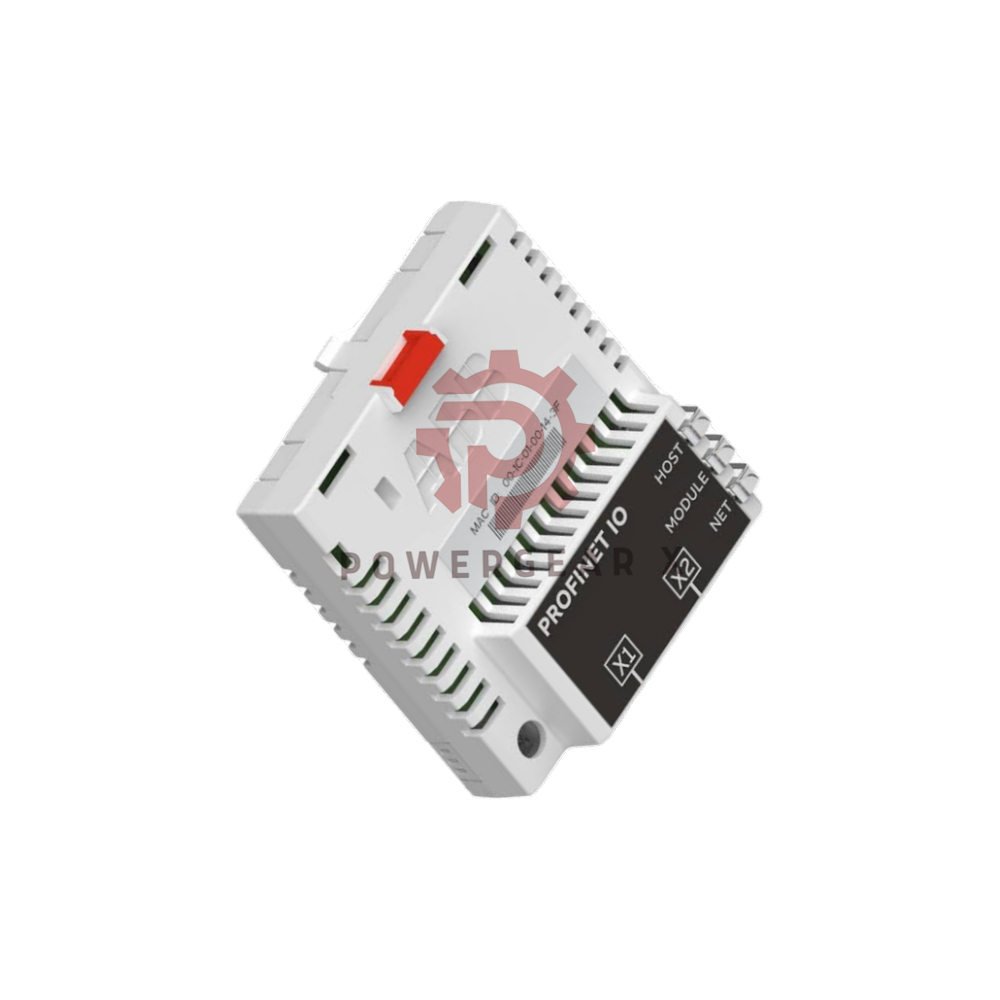
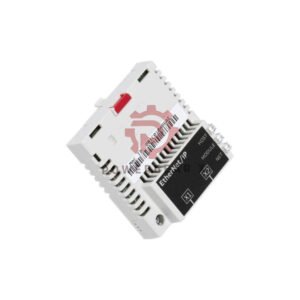
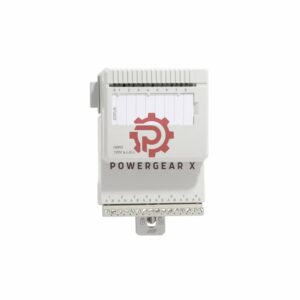
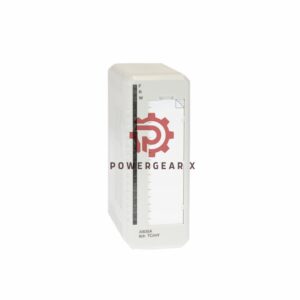
- FPNO-21 is a PROFINET IO adapter module from ABB.
- It plugs into an option slot on an ABB drive control unit.
- It links the drive to a PROFINET IO network.
- Install is quick. No special tools needed.
- The module finds the network speed by itself.
- It works at 10 Mbit/s or 100 Mbit/s.
What You Can Do With It
- Send control commands to the drive, such as Start, Stop, and Run enable.
- Feed a speed or torque reference to the drive.
- Send a process value or reference to the drive PID controller.
- Read drive status and actual values.
- Reset a drive fault.
- Read and write drive parameters.
- Connect the Drive composer pro tool.
- Sync the real time clock.
Technical Data
- Brand: ABB
- Model: FPNO-21
- Type: PROFINET fieldbus adapter module
- Protocol: PROFINET IO
- Transfer Rate: 10 Mbps or 100 Mbps, auto-detect
- Serial Type: Half or full duplex
- Connections: Three
- Power: +3.3 V ±5%, max 400 mA, from the drive
- Protection: IP20
- Board: Conformal coated
- EMC: Meets EN 61800-3:2004
- Indicators: Three bicolor LEDs
Connector Layout
- 20-pin connector to the drive
- Carries power and drive data
- X1 RJ-45 to Ethernet
- Main network port
- X2 RJ-45 for chaining
- Links another adapter module
Ethernet Link Details
- Works with IEEE 802.3 and IEEE 802.3u devices
- 10BASE-TX or 100Base-TX
- Auto-negotiation and Auto-MDIX on board
- Cable: CAT5e/6 S/FTP, S/STP, or SF/FTP
- Max segment: 100 m / 328 ft
- Topology: Bus, star, or ring
- Ring limit: 50 nodes
- Chain limit: 50 nodes recommended
- Each unit adds 19 μs forward delay
- 50 nodes add about 1 ms delay
LED Guide
- HOST LED
- Flashing green: linking to drive
- Green: drive link OK
- Flashing red: drive link lost for a moment
- Flashing orange with MODULE orange: file system error. Cycle power. Call ABB if it stays.
- MODULE LED
- Off: no power
- Flashing orange: blink mode for ID
- Flashing green: waiting for PROFINET link
- Green: normal run
- Flashing red twice per second: link is down. Check cables.
- Flashing red once per second: data does not fit the message type. Check group B and C settings.
- Red: port disabled or duplicate address. Check IP or cycle power.
- Flashing red-green: self test
- Flashing orange with HOST orange: file system error. Cycle power. Call ABB if it stays.
- NETWORK/NET LED
- Off: not on-line, or address check not done, or no power
- Flashing green: sending or receiving data
Environment and Packing
- Drive manual ambient rules apply.
- Pack: cardboard box.
- Wrap: antistatic air bubble sheet (PE).
Install Guide
- Power off the drive first.
- Slide the module into the option slot.
- Seat the 20-pin connector firmly.
- Plug the network cable into X1.
- Use X2 to chain the next unit.
- Set the station name in your PLC tool.
- Power up and check the LEDs.
Setup and Care
- LEDs show status at a glance.
- Auto-detect cuts setup steps.
- Auto-MDIX removes cable guesswork.
- The coated board resists dust and damp.
- Keep the slot cover closed when not in use.
Compatibility
- Fits ABB drives with a free option slot.
- Works with standard PROFINET IO masters.
- Works with Drive composer pro.
- Uses standard RJ-45 Ethernet cables.
Best Fit Equipment and Use Cases
- ABB drives in factory automation lines.
- Conveyor and pump drive networks.
- Fan and mixer control cabinets.
- Water and wastewater plants.
- Food and packing machines.
- Any plant that runs PROFINET IO.
Expert Review
- The FPNO-21 is a small part with a big job.
- It turns a stand-alone drive into a network node.
- Two RJ-45 ports allow daisy chains.
- That saves switch ports and cable runs.
- Ring mode adds a path for fault tolerance.
- The LED codes are clear and fast to read.
- Setup is simple for trained staff.
- It suits both new builds and upgrades.
Manager’s Insight
- Keep one spare module per site.
- Label station names on each drive.
- Plan ring size before you add nodes.
- Long chains need a longer cycle time.
- Train techs on the LED codes.
- Fast swaps cut downtime a lot.
Warranty and Shipping
- 12-month warranty on this module.
- Orders ship in 12 to 24 hours.
- Delivery by FedEx, UPS, or DHL.
- Tracking number sent after dispatch.
FAQ
- Q: Does the module set its own network speed?
- A: Yes. It auto-detects 10 or 100 Mbit/s.
- Q: Can I link several drives in one line?
- A: Yes. Use X2 to chain units. Keep it to 50 nodes or fewer.
- Q: What does a red MODULE LED mean?
- A: The port is off, or two devices share one address. Check the IP, then cycle power.
- Q: How do I pick the right cable?
- A: Use CAT5e/6 shielded cable with RJ-45 plugs. Keep runs under 100 m.
- Q: Is a spare unit worth the cost?
- A: Yes. A spare module can restart a line in minutes.
Contact Us
- Email: sales@powergearx.com
- WhatsApp: +86 18030005825
- Need help with a part number? Ask us. We reply fast.
Copyright
- Copyright © 2026 Powergear X Automation Limited. All rights reserved.
- Original Source: https://www.powergearx.com/

There are no reviews yet.