
Product details
Product Overview
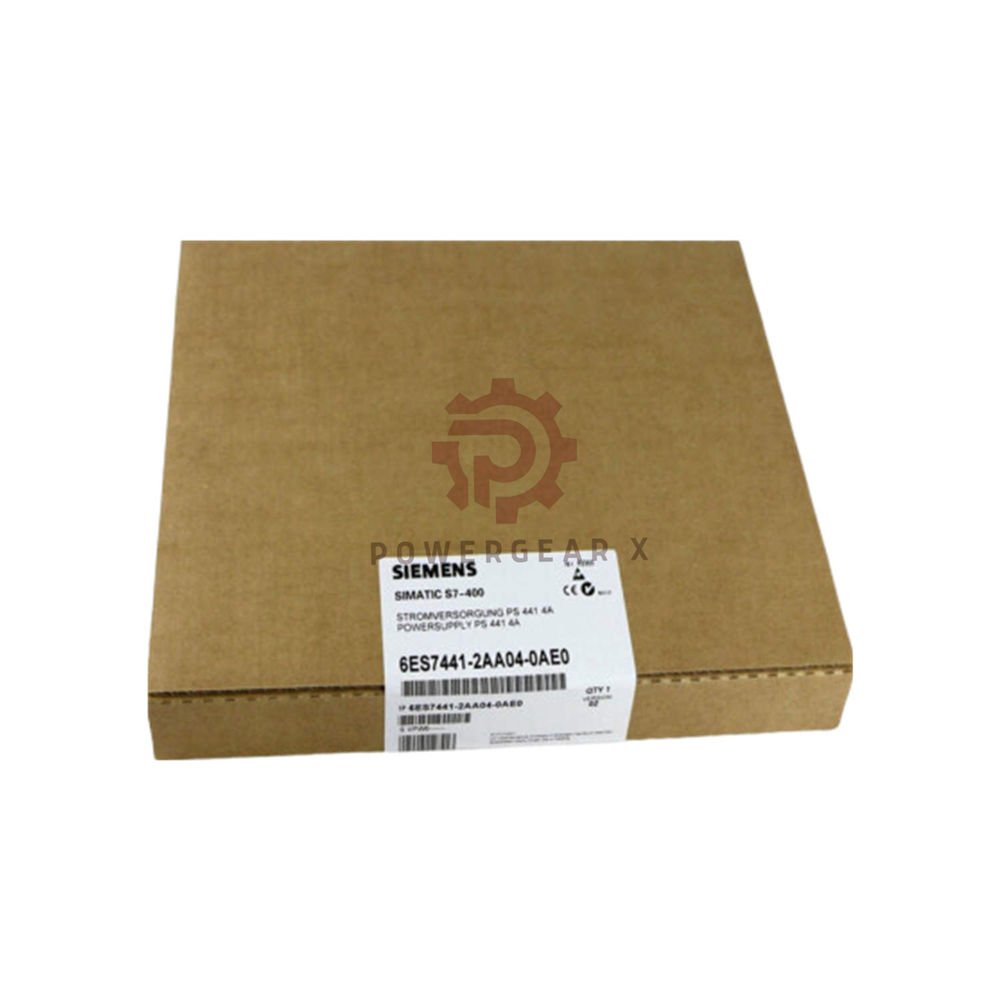
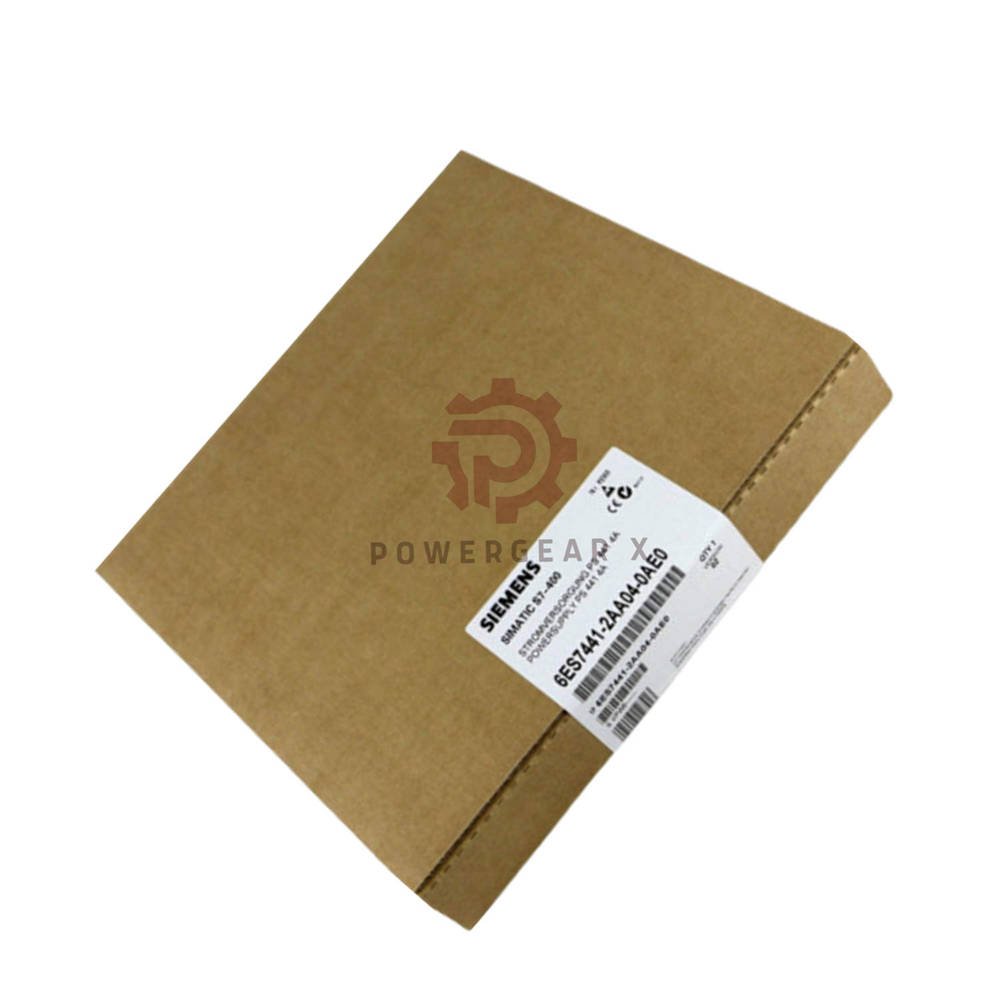
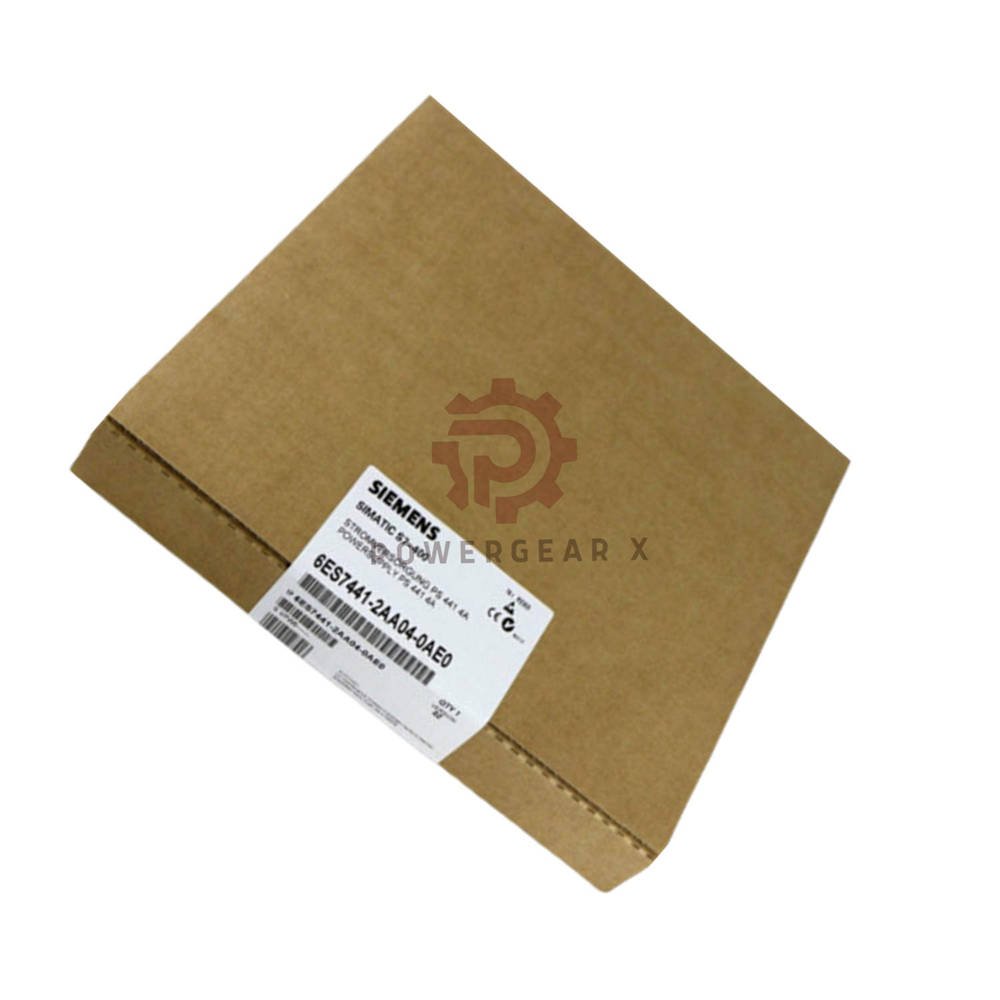
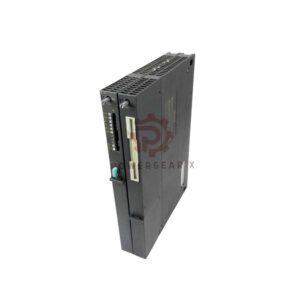
- Siemens 6ES7441-2AA04-0AE0 – CP 441-2 communications module for SIMATIC S7-400
- 2 independent point‑to‑point communication channels
- Supports RS232, RS422/485, and 20 mA (TTY) interfaces
- Maximum transmission speed of 115.2 kbit/s
- Includes configuration package on CD
Technical Specifications
- General data
- Brand: Siemens
- Model: 6ES7441-2AA04-0AE0
- Series: SIMATIC S7-400
- Product type: Communications module (CP 441-2)
- Weight: approx. 720 g (including interface module: 100 g)
- Power supply
- Rated voltage: 5 V DC and 24 V DC
- Backplane current (5 V): max. 600 mA (without interface module)
- Interface module consumption: 300 mA @ 5 V (all types)
- 20 mA (TTY) additionally: 45 mA @ 24 V
- Power loss: typ. 0.3 W
- Interfaces & connectivity
- Number of interfaces: 2 (variable, user‑selectable)
- Supported physical interfaces:
- RS232 (V.24) – cable length: max. 10 m
- RS422/485 (X.27) – cable length: max. 1200 m
- 20 mA (TTY) – cable length: max. 1000 m
- Transmission rate: up to 115.2 kbit/s (distributed across both interfaces)
- Protocol drivers
- Integrated protocols:
- 3964 (R) – standard Siemens protocol
- ASCII – for third‑party devices
- RK512 – for remote communication
- Printer driver – supports HP/IBM printers
- Custom drivers: reloadable via memory card
- Memory requirements per interface:
- Parameters: 1‑5 KB
- Message texts: 0‑55 KB
- Loadable drivers: 0‑64 KB
- Integrated protocols:
- Transmission speeds by interface
- 20 mA (TTY): max. 19.2 kbit/s (all protocols)
- RS422/485: max. 115.2 kbit/s (all protocols)
- RS232: max. 115.2 kbit/s (all protocols)
- Configuration & dimensions
- Configuration software: STEP 7 (with own parameter assignment forms)
- Dimensions: 25 × 290 × 210 mm
Expert Review
- This module provides flexible serial connectivity for S7-400 systems.
- Two independent channels allow connection to different devices simultaneously.
- Support for RS232, RS422/485, and 20 mA covers most legacy equipment.
- The 115.2 kbit/s speed handles most industrial communication needs.
- Reloadable drivers make this module adaptable to custom protocols.
Manager’s Insight
- Choose this module when you need to connect printers or third‑party serial devices.
- The 3964 (R) protocol works well with Siemens drives and HMIs.
- ASCII protocol allows easy integration with barcode scanners and weigh scales.
- Consider cable length limits when planning your installation layout.
Suitable Applications & Compatible Systems
- Compatible systems
- SIMATIC S7-400 PLC systems (all CPUs)
- S7-400 racks and power supplies
- Third‑party devices with serial interfaces
- Typical applications
- Printer connection for batch reporting and label printing
- Barcode scanner integration in logistics systems
- Weigh scale communication in process control
- Legacy device connection with RS232 or 20 mA interfaces
- Remote I/O communication using RK512 protocol
Installation Guide
- Mounting steps
- Insert the module into a free S7‑400 slot
- Attach the appropriate interface module (sold separately)
- Connect the serial cable to the interface module
- Set the interface parameters in STEP 7 hardware configuration
- Configuration tips
- Select the correct protocol (3964, ASCII, RK512, or Printer)
- Set baud rate matching the connected device
- Configure message texts for printer output if needed
- Load custom drivers via memory card for special applications
Maintenance & Debugging
- Check cable connections first when communication fails
- Verify baud rate and parity match the remote device
- Monitor diagnostic buffer in STEP 7 for error messages
- Keep interface module contacts clean and free of dust
Comparison with Similar Models
- Compare with 6ES7441-1AA00-0AE0 (CP 441-1, single channel, fewer protocols)
- Compare with 6ES7441-2AA04-0AE0 (this model, 2 channels, full protocol set)
- Compare with 6ES7441-2AA05-0AE0 (newer version with enhanced features)
Package Contents & Warranty
- Package includes
- 1x Siemens 6ES7441-2AA04-0AE0 communications module
- 1x configuration package on CD
- 1x product documentation (digital download)
- 1x warranty card (12 months)
- Shipping & warranty
- 12‑month warranty against manufacturing defects
- Express shipping via FedEx, UPS, or DHL
- 12‑24 hour dispatch for in-stock items
Frequently Asked Questions
- Q: What interface modules work with this CP 441-2 module?
- A: This module accepts RS232, RS422/485, or 20 mA (TTY) interface modules. You need to purchase them separately.
- Q: Can I use both channels simultaneously at full speed?
- A: Yes, both channels work independently. The 115.2 kbit/s speed distributes across both interfaces.
- Q: How do I load a custom protocol driver?
- A: Save the driver file to the S7‑400 memory card. Then use STEP 7 to load it into the module.
- Q: Does this module support Modbus protocol?
- A: Not directly. You can use the ASCII driver to implement Modbus RTU with custom logic in the PLC program.
- Q: What is the maximum cable length for RS232?
- A: RS232 cables are limited to 10 m. For longer distances, use RS422/485 (1200 m) or 20 mA (1000 m).
Buying Guide & Selection Tips
- Choose this 2‑channel CP 441-2 for flexible serial connectivity.
- For single‑channel applications, the CP 441-1 may be more cost‑effective.
- Select RS232 for short‑distance connections to printers and HMIs.
- Use RS422/485 for longer distances up to 1200 m.
- Verify the connected device’s protocol before ordering.
Contact & Support
- Email: sales@powergearx.com
- WhatsApp: +86 18030005825 (click to chat)
- 24/7 technical support for installation and troubleshooting
Copyright © 2026 Powergear X Automation Limited. All rights reserved.
Original Source: https://www.powergearx.com/


There are no reviews yet.