

Product details
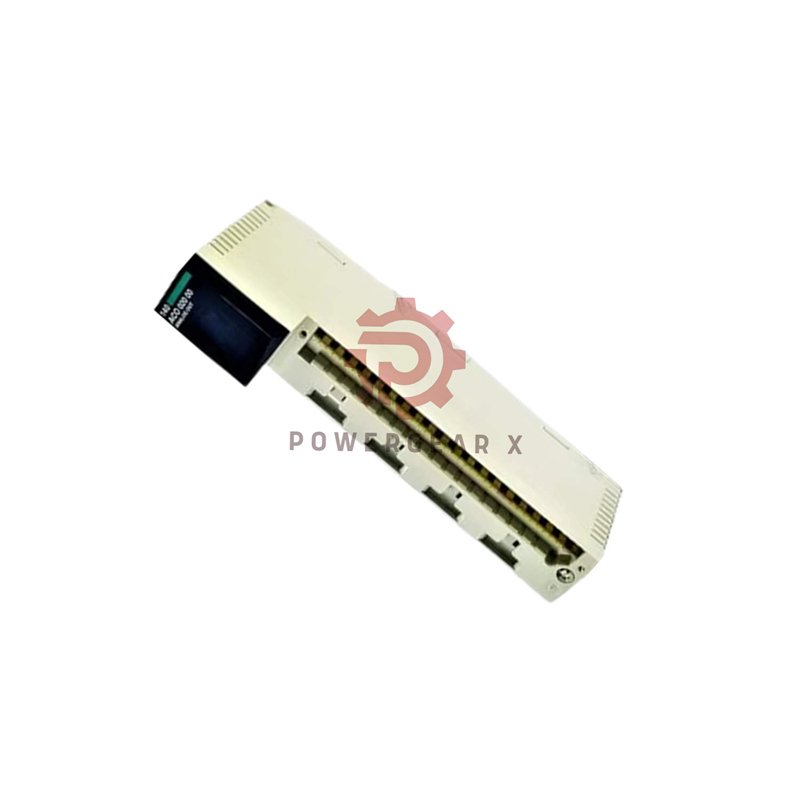
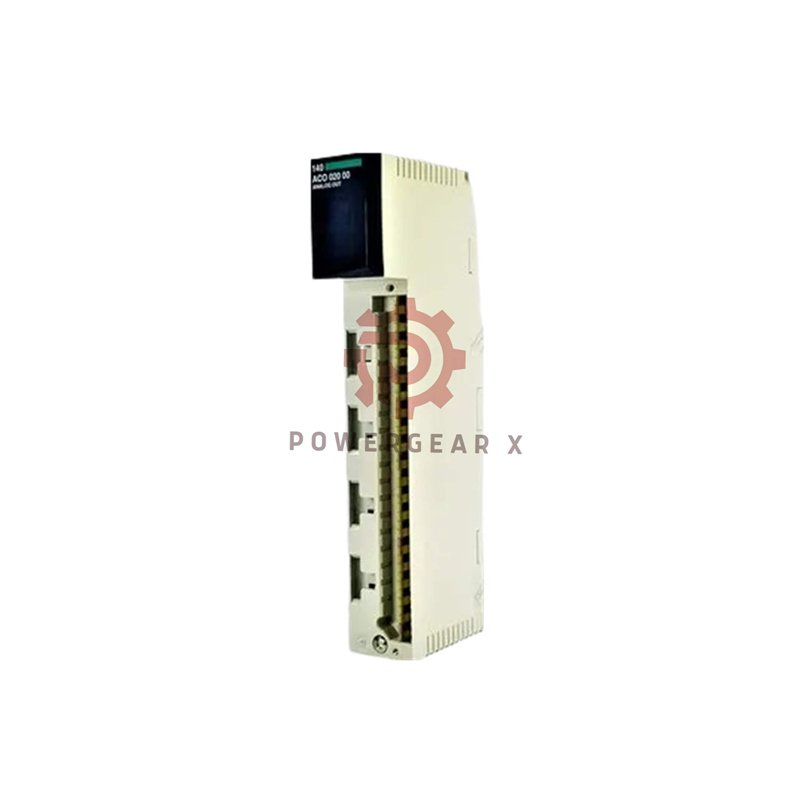
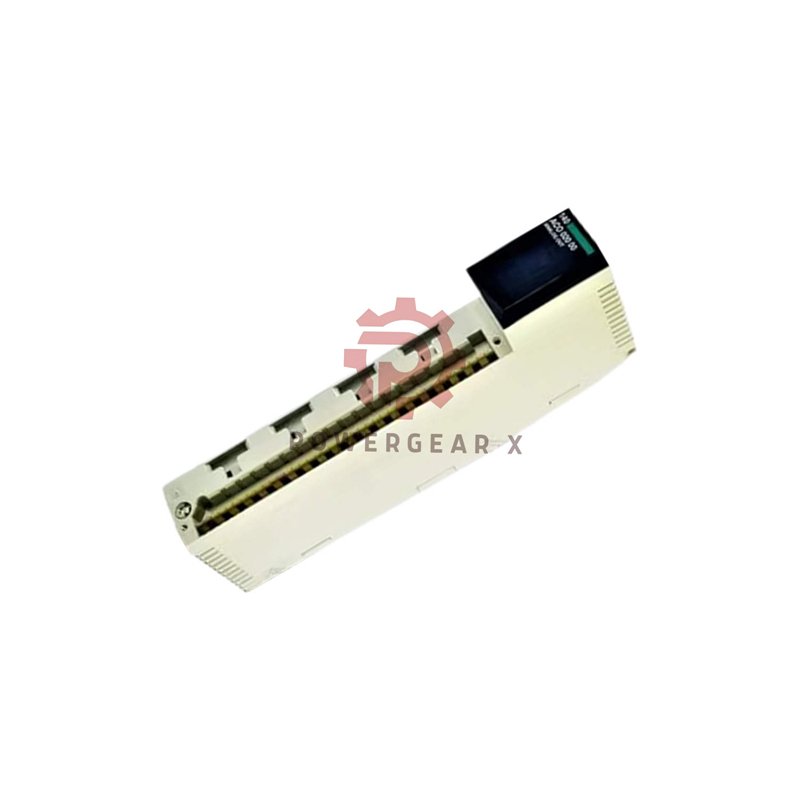
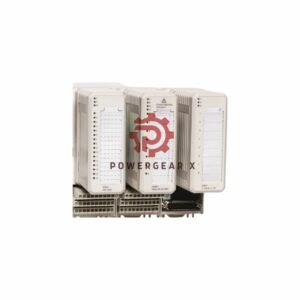
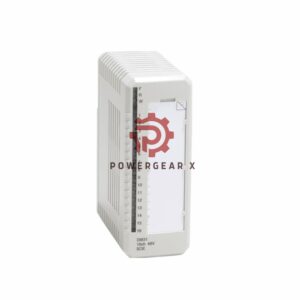
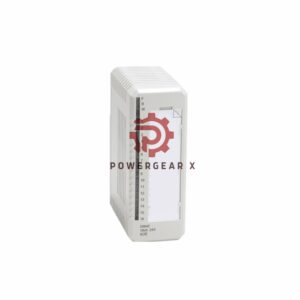
Schneider Electric 140QUCMOE Communications Module
The 140QUCMOE is a communications module for Modicon Quantum. It connects your PLC to different networks. It has Ethernet and serial ports. This makes system integration easy.
Complete Technical Details
- Product Information:
- Brand: Schneider Electric
- Model: 140QUCMOE
- Series: Modicon Quantum
- Type: Universal Communications Module
- Communication Features:
- Ethernet Port: 1 x RJ45 (10/100 Mbps)
- Serial Port: 1 x RS-232/485 configurable
- Maximum Baud Rate: 115,200 bps
- Supported Protocols: Modbus RTU, Modbus TCP, Modbus Plus, ASCII
- Data Buffer: 2 MB SRAM
- Physical Specifications:
- Mounting: Quantum rack compatible
- Weight: 0.45 kg (0.99 lbs)
- Power Requirement: 5V DC from backplane
- LED Indicators: Status, Network, Communication
- Environmental Ratings:
- Operating Temperature: 0°C to 60°C (32°F to 140°F)
- Storage Temperature: -40°C to 85°C (-40°F to 185°F)
- Humidity Range: 5% to 95% non-condensing
- Altitude Rating: Up to 2000 meters operation
- Vibration Resistance: Meets industrial standards
- Certifications & Safety:
- Safety Standards: UL, CSA, CE approved
- EMC Compliance: IEC standards for industrial EMC
- Isolation: 1500V RMS isolation protection
Installation & Compatibility
- System Compatibility: Works with all Modicon Quantum PLC processors.
- Rack Position: Can be installed in any slot except CPU slot.
- Configuration: Requires Control Expert software for setup.
- Cable Requirements: Standard Ethernet and serial cables.
- Network Integration: Connects to SCADA, HMI, and other control systems.
Package & Support Details
- What’s Included: One Schneider Electric 140QUCMOE module.
- Warranty Coverage: 12-month manufacturer warranty.
- Shipping Options: FedEx, UPS, DHL express shipping available.
- Technical Support: Provided by Powergear X Automation experts.
- Return Policy: 30-day return for defective items.
Frequently Asked Questions
What networks can this module connect to?
It connects to Ethernet networks and serial devices. It supports Modbus TCP, Modbus RTU, and ASCII protocols.
Can I use both ports at the same time?
Yes. The Ethernet and serial ports can operate simultaneously. They handle different communication tasks.
What software is needed to configure it?
You need Schneider Electric’s Control Expert software. It sets up the module parameters and protocol configuration.
From experience, what is a common setup mistake?
Forgetting to set the correct baud rate on the serial port. Always match the baud rate with your connected device settings.
How do the LED indicators help with troubleshooting?
The status LED shows module health. Network LED shows Ethernet activity. Communication LED shows data transfer. They help identify issues quickly.
Contact for Questions: sales@powergearx.com | +86 18030005825
Copyright © 2025 Powergear X Automation Limited. All rights reserved.
Original Source: https://www.powergearx.com/
Partner: Ubest Automation Limited https://www.ubestplc.com/
PLCDCS HUB Limited https://plcdcshub.com/


There are no reviews yet.