
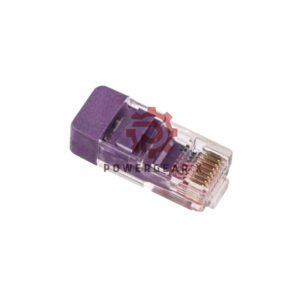
Product details
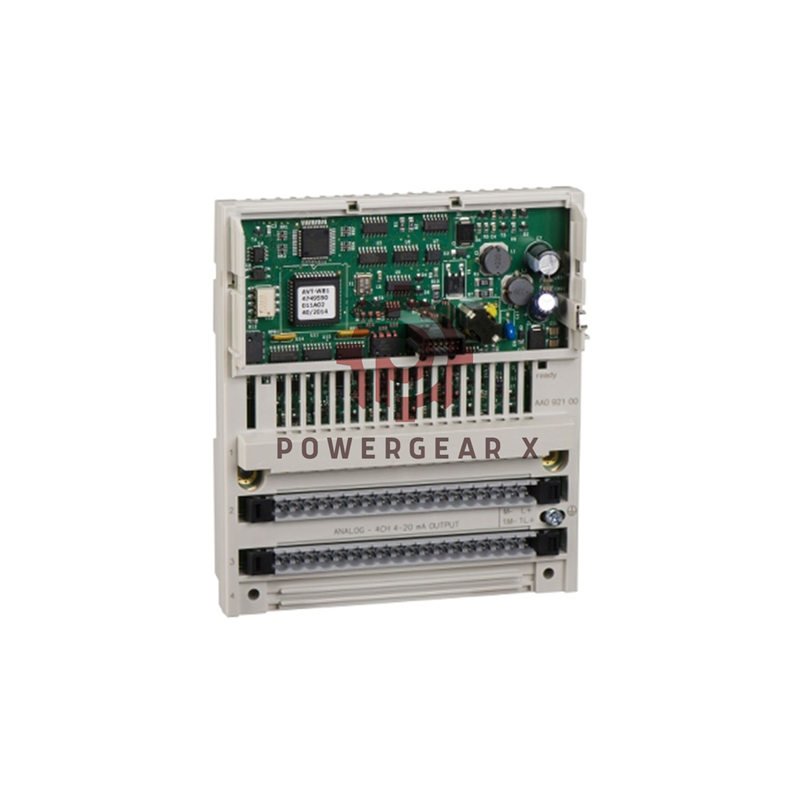
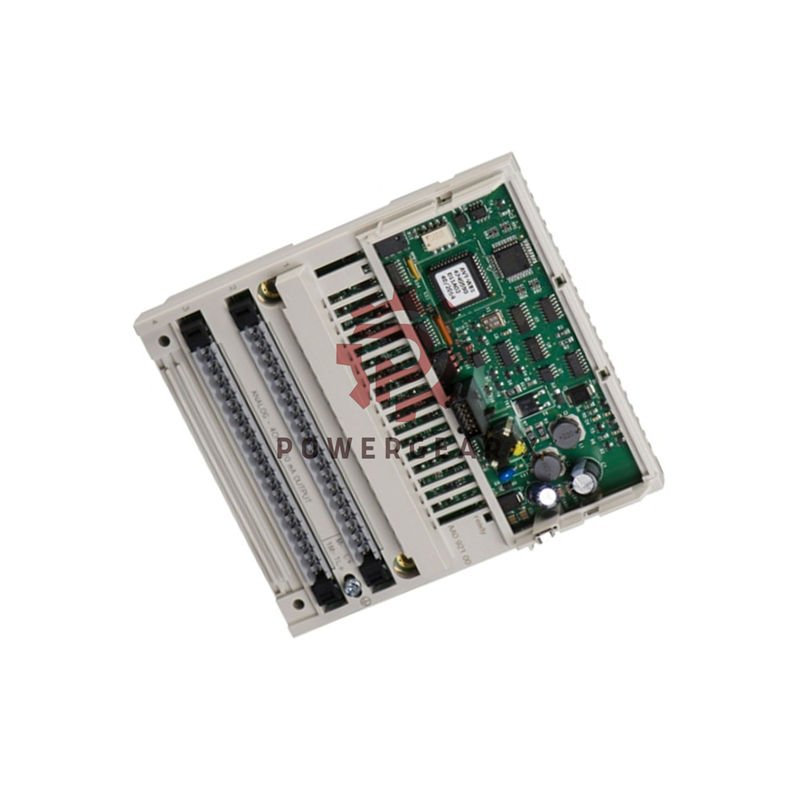
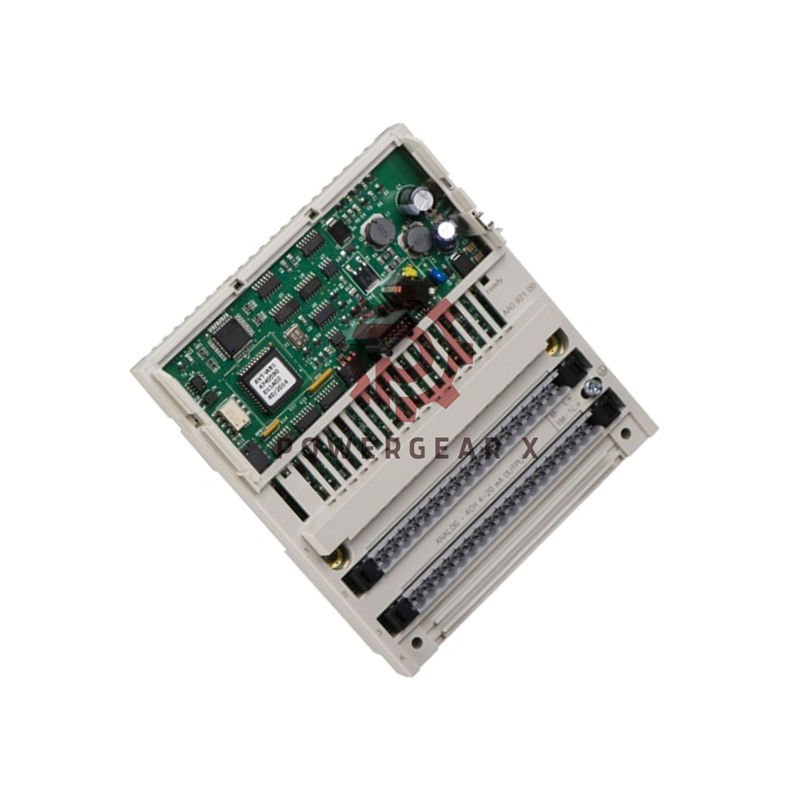
Schneider Electric 170AAO92100 Analog Output Base
The 170AAO92100 delivers four precise analog outputs for Modicon Momentum systems.
Highlights
- Four independent analog channels with signed 16-bit resolution.
- Fast update time and low power loss for tight control loops.
- Strong channel-to-ground isolation for safety in noisy sites.
- Compact size that fits standard Momentum racks.
Key Specifications
- Manufacturer: Schneider Electric
- Model: 170AAO92100; Series: Modicon Momentum
- Analog outputs: 4 channels, signed 16-bit format.
- Update time: 2 ms typical; maximum update jitter: 0.5 ms.
- Resolution: 65,536 steps across full scale.
- Output types: 0–10 V and 4–20 mA (switchable per channel).
- Maximum load: 500 Ω for current mode; >2 kΩ for voltage mode.
- Accuracy: ±0.05% of span at 25 °C after calibration.
- Isolation: 500 V AC for 1 minute between channels and ground.
- Power dissipation: up to 8.5 W under full load.
- Reverse polarity protection: built-in on all outputs.
- Operating temp: 0 to 60 °C; Storage temp: -40 to 85 °C.
- Humidity: up to 95% non-condensing for operation and storage.
- Dimensions: 4.9 x 1.9 x 5.6 inches; Weight: 0.23 kg (0.50 lbs).
- EMC: high immunity to industrial interference for stable signals.
Product Benefits
- Use precise 16-bit outputs to reduce control error in loops.
- Switch between voltage and current to match field devices.
- Built-in protection lowers replacement frequency in the field.
- High isolation keeps the control bus safe from surges.
- Compact form saves rack space in dense control panels.
Installation Notes
- Mount in a clean Modicon Momentum rack slot only.
- Use shielded wires for analog runs and ground shields at one end.
- Calibrate outputs with your DCS or PLC during commissioning.
- Leave 10 mm clearance for airflow around the module.
- Verify wiring polarity before power-up to avoid damage.
Package Contents & Shipping
- One 170AAO92100 analog output base module.
- Quick install guide and basic mounting screws.
- Shipped by FedEx, UPS, or DHL with tracking included.
- 12-month warranty from date of delivery.
Contact & Orders
- Email: sales@powergearx.com
- WhatsApp: +86 18030005825
Professional FAQ
- Q: How do I set current output range for a channel?
A: Use the module software menu to select 4–20 mA. Then verify with a calibrated meter during run-up. - Q: What routine checks improve long-term accuracy?
A: Perform yearly calibration and check zero/span drift under load. - Q: How do I reduce ground loop errors on analog lines?
A: Ground shields at the controller end and isolate large equipment grounds. - Q: What steps fix unstable analog outputs after installation?
A: Confirm wiring integrity, replace suspect cables, and re-run calibration. - Q: How do I test isolation between channels safely?
A: Use a high-voltage tester at rated isolation voltage with power removed, following safety rules.
Author: Powergear X Automation
Original Source: https://www.powergearx.com/
Partner: Ubest Automation Limited
Copyright © 2025 Powergear X Automation Limited. All rights reserved.


There are no reviews yet.